Google Nano Banana Prompt Guide (2026)

PicYou
Jan 26, 2026
Google Nano Banana Prompt Guide (2026): Best Prompts & Tips for Google’s On-Device AI
Updated: Jan 25, 2026
Google's Nano Banana model has revolutionized on-device image generation. As a lightweight yet powerful successor in the Gemini ecosystem, it’s designed for speed without sacrificing creative integrity.
However, to get "Pro-level" results from a "Nano" model, your prompting strategy must be precise. Below is the ultimate collection of Nano Banana AI prompts optimized for the 2026 firmware updates.
Why Nano Banana Needs Specific Prompts?
Unlike massive server-side models, Nano Banana thrives on semantic clarity. It prioritizes the "primary subject" and "lighting" over long, rambling descriptions. To get the most out of it, focus on structural keywords.
1. Photorealistic & Portrait Prompts
Nano Banana excels at skin textures and natural lighting.
Prompt:
[Subject] shot on 35mm, natural daylight, ultra-high skin detail, soft bokeh, neutral colors, 8k on-device render.Example: "A nomadic traveler in the Gobi desert, wind-swept hair, extreme close-up, caught in a dust storm, golden hour lighting."
Picyou Tip: Take your Nano Banana portrait and use Picyou's "Face Motion" to make the subject blink or smile naturally.
2. The "Micro-World" (Macro Photography)
Since the model name is "Banana," it’s ironically famous for its macro capabilities.
Prompt:
Macro photography, extreme detail, shallow depth of field, dew drops, vibrant [Color] palette, microscopic texture.Example: "A crystalline spider web covered in morning frost, rainbow refraction in the ice, dark forest background, hyper-realistic."
3. Minimalist Vector & Iconography
Perfect for mobile app developers using Nano Banana for UI.
Prompt:
Flat vector illustration, minimalist, high contrast, [Color A] and [Color B] scheme, clean lines, white background.Example: "A futuristic rocket ship taking off, Bauhaus style, bold orange and navy blue, professional graphic design."
Top 10 Trending Nano Banana Prompts (Copy & Paste)
Category | Prompt Snippet (Optimized for 2026) | Examples |
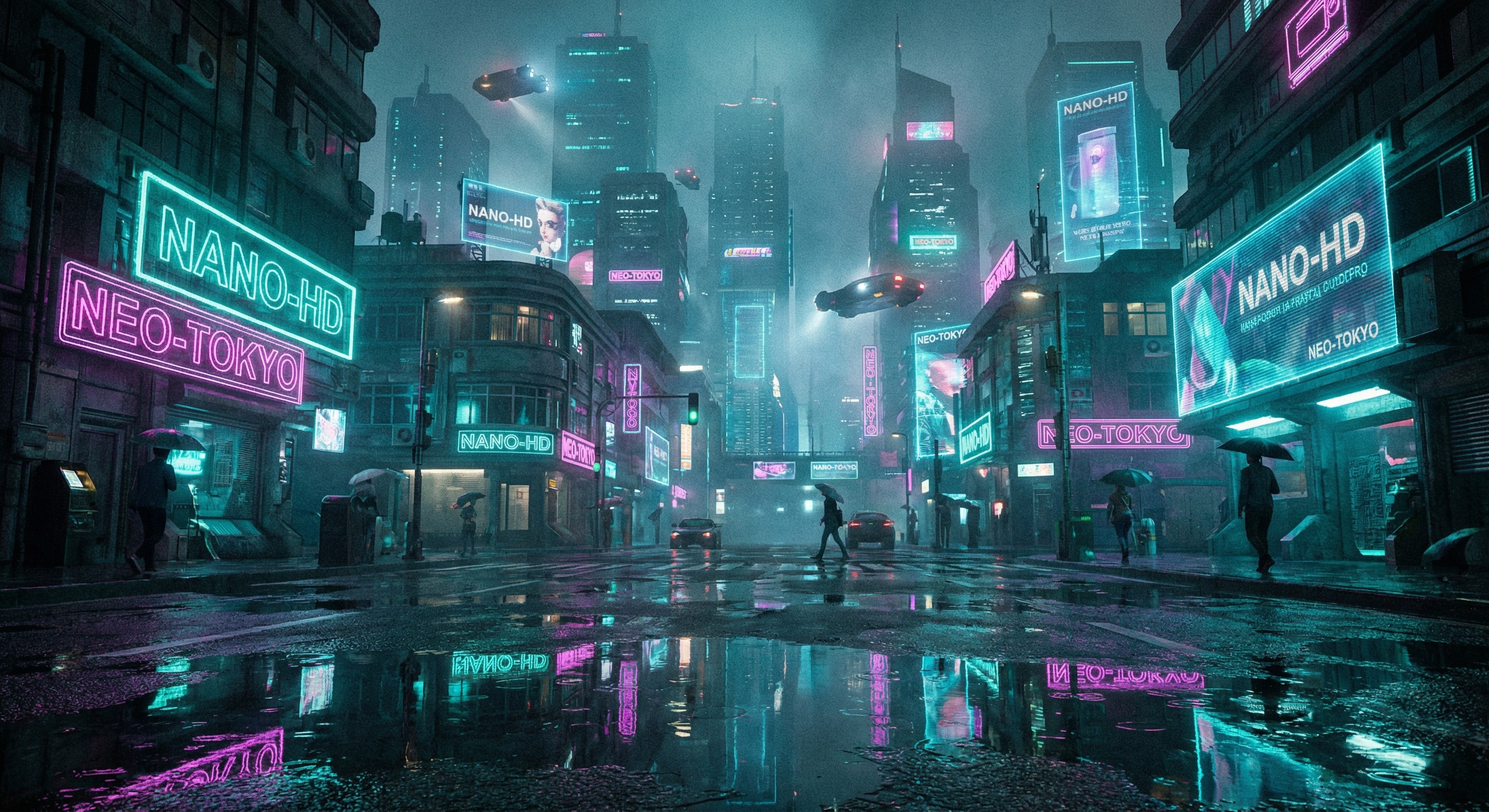
Cyberpunk |
|  |
Interior |
|  |
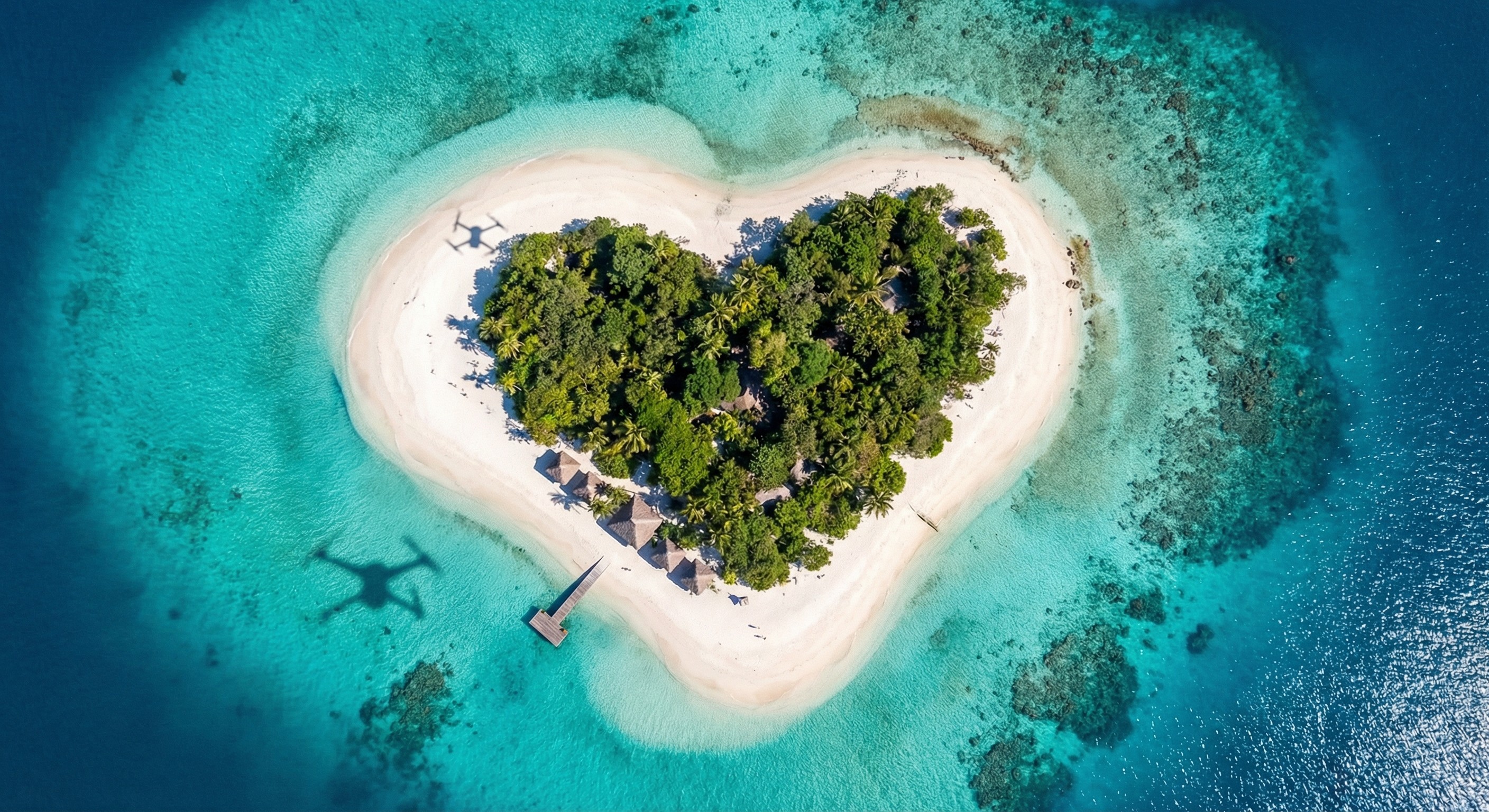
Nature |
|  |
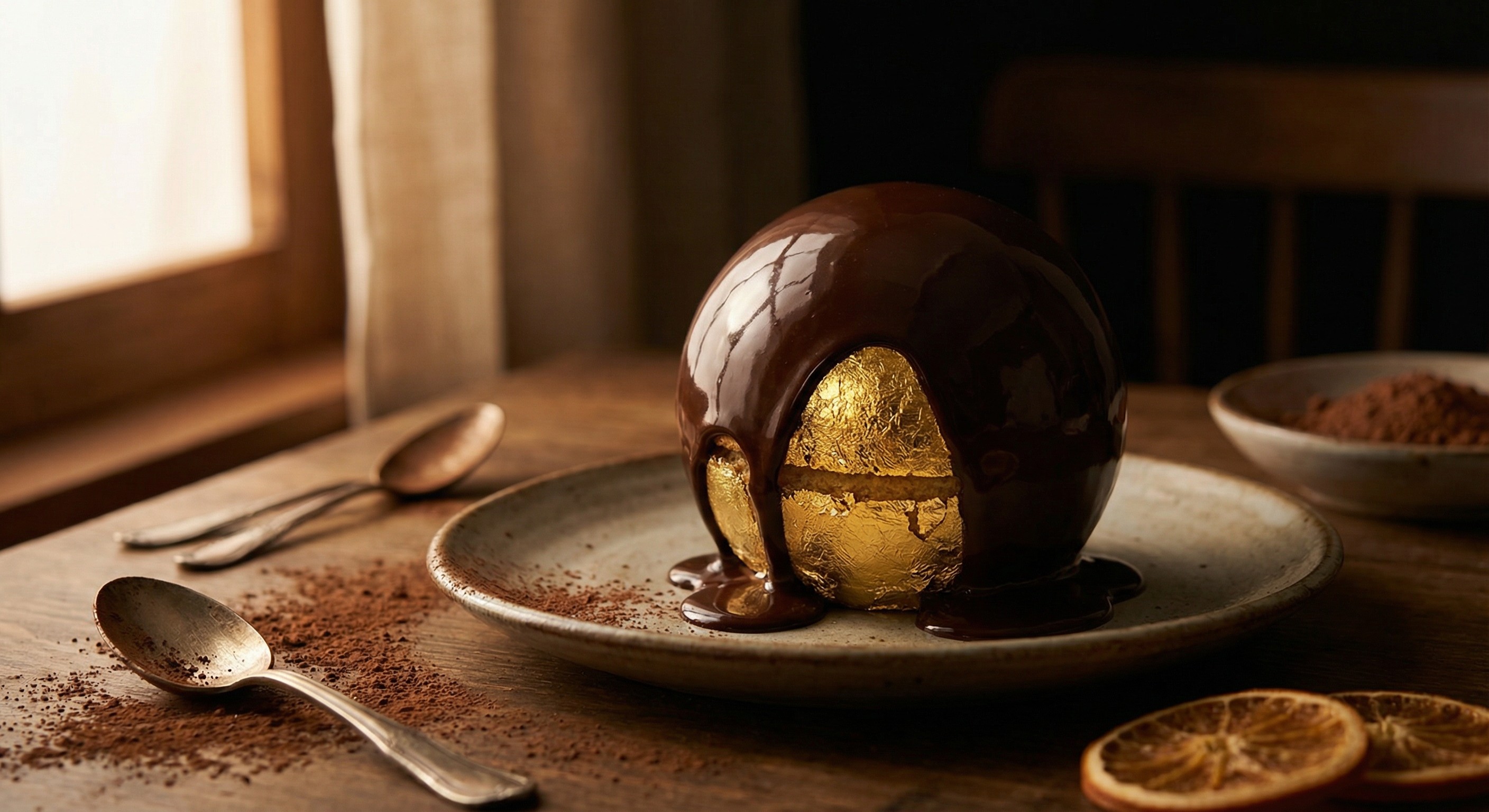
Food |
|  |
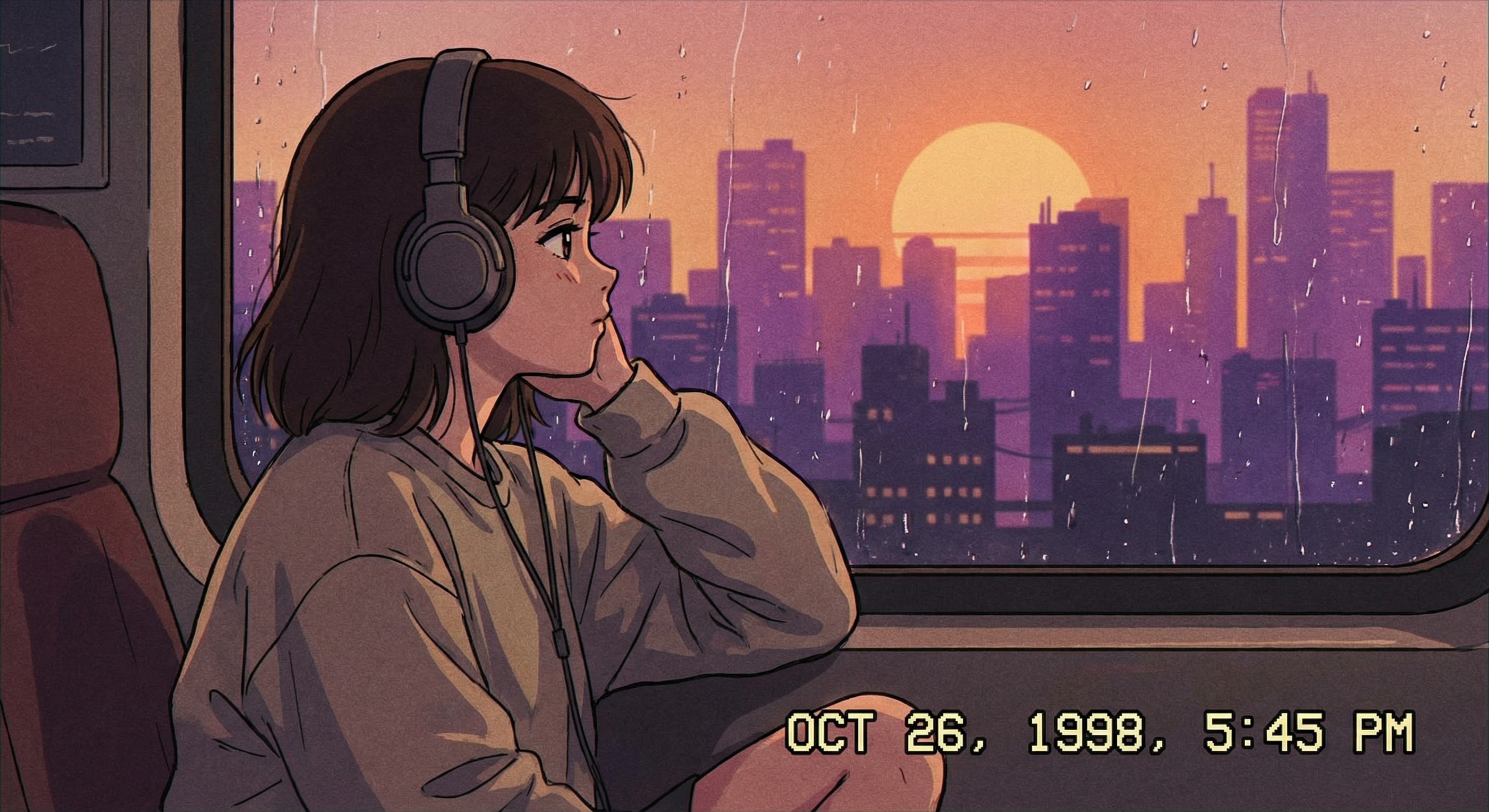
Anime |
|  |
Portrait |
| 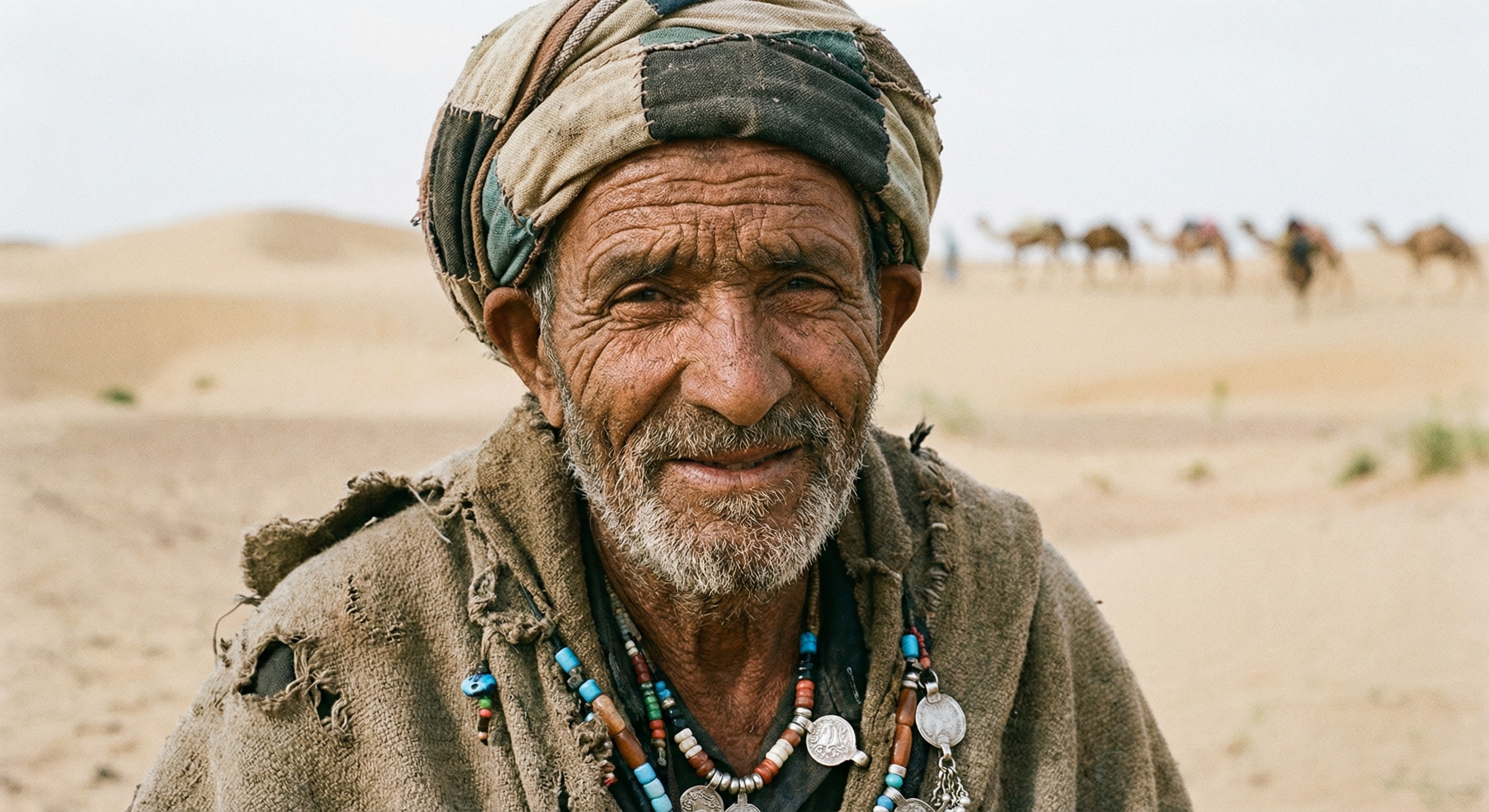 |
Macro |
| 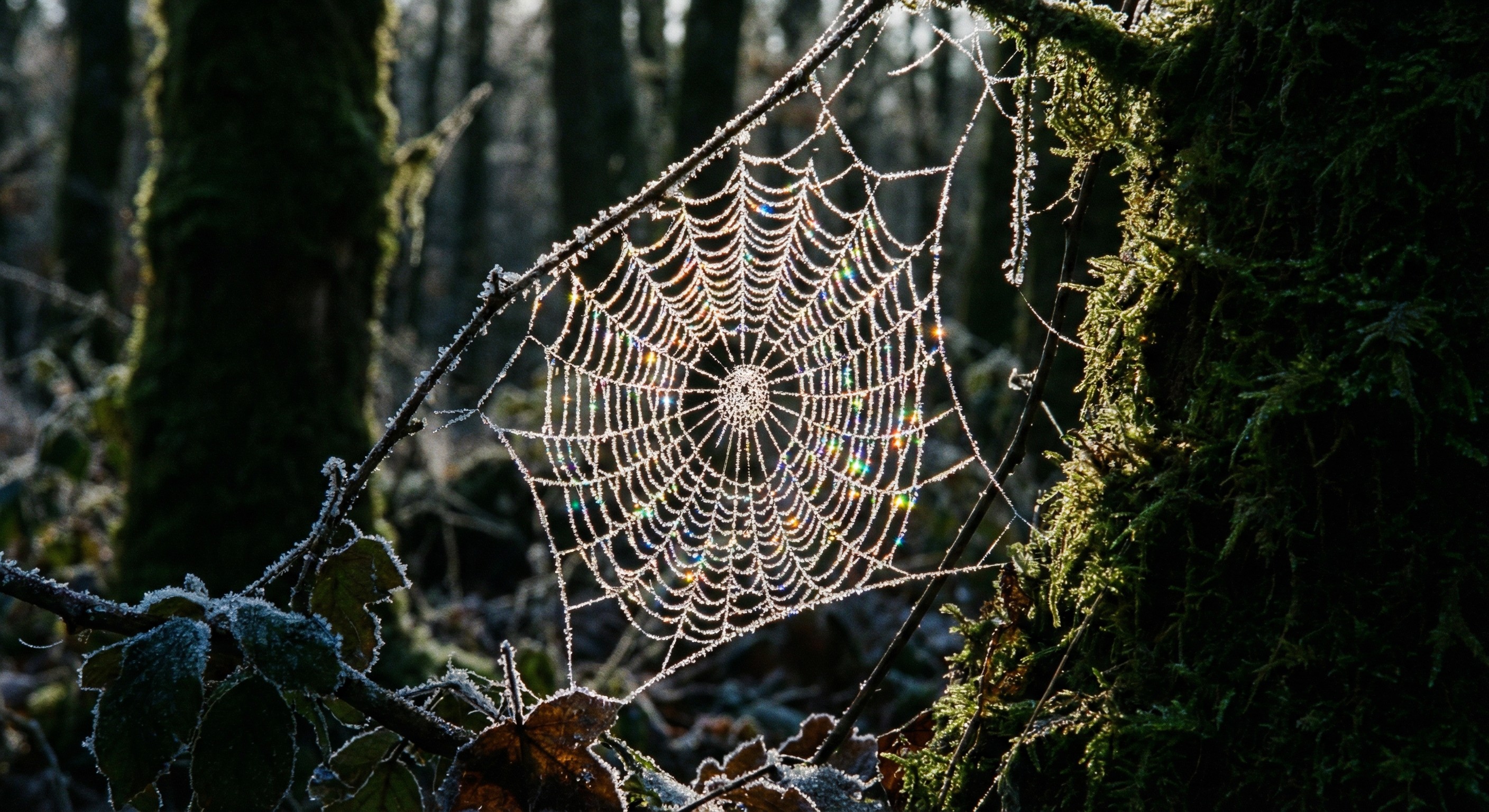 |
Vector |
| 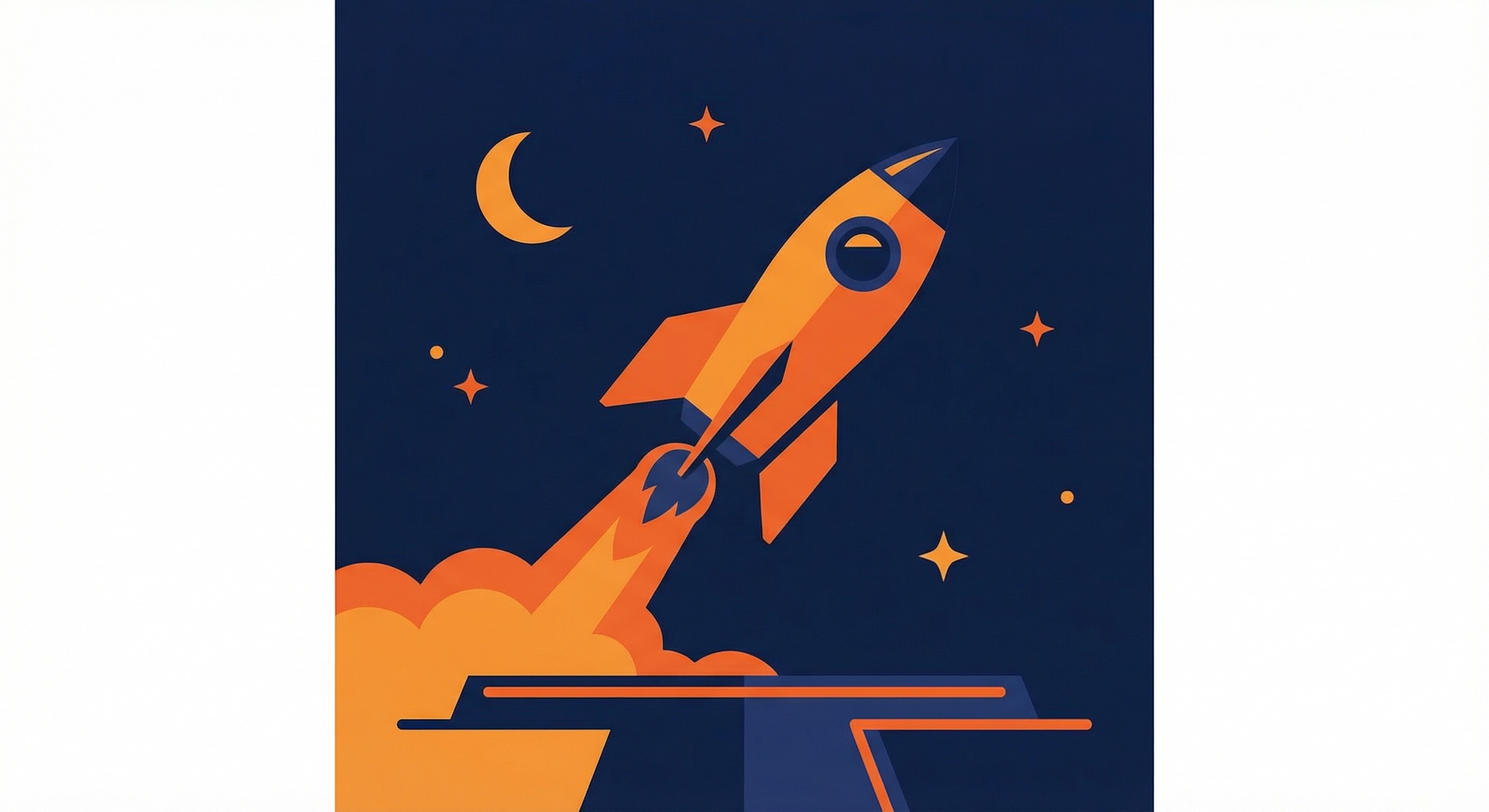 |
Sci-Fi |
| 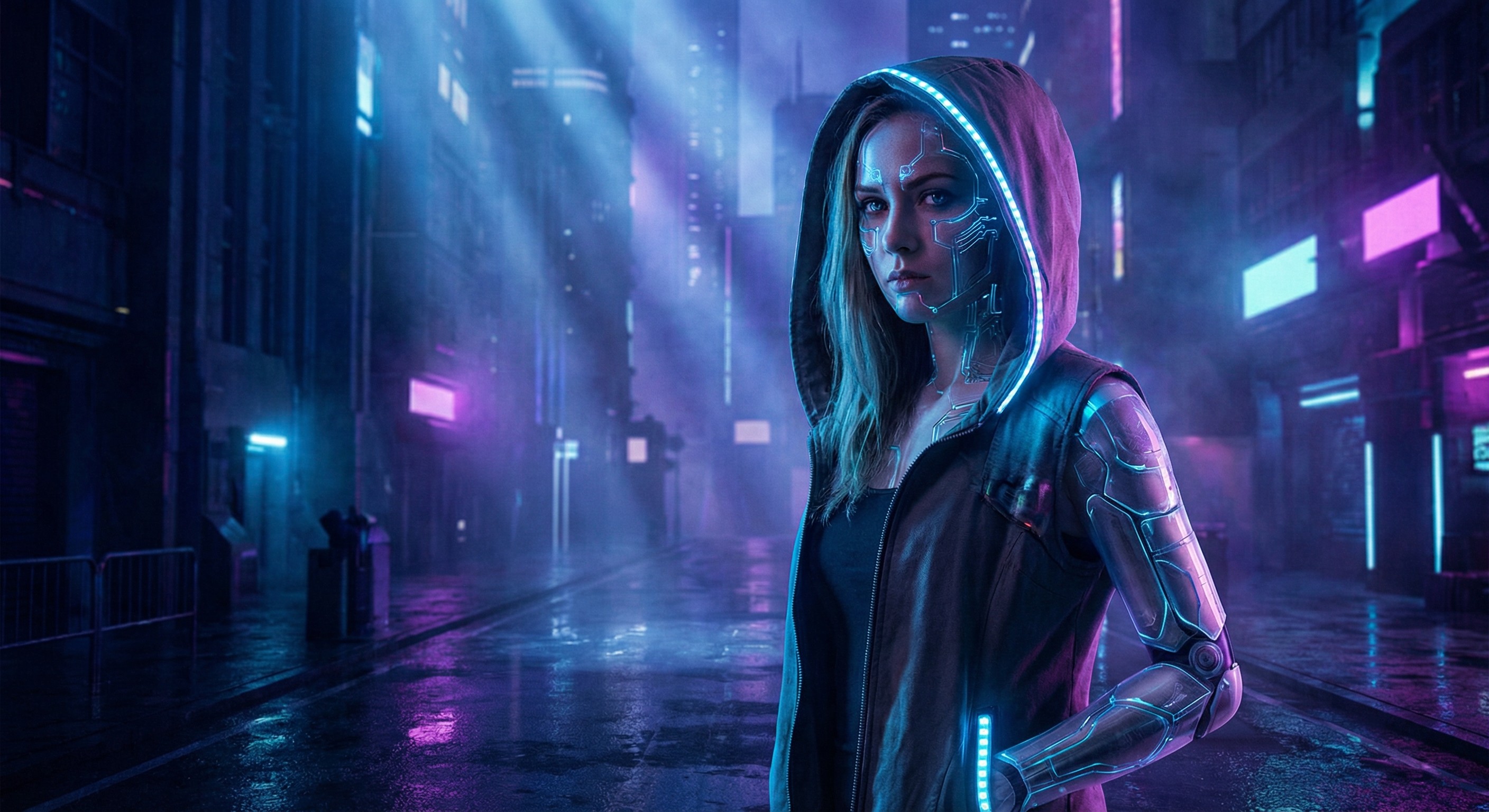 |
Abstract |
| 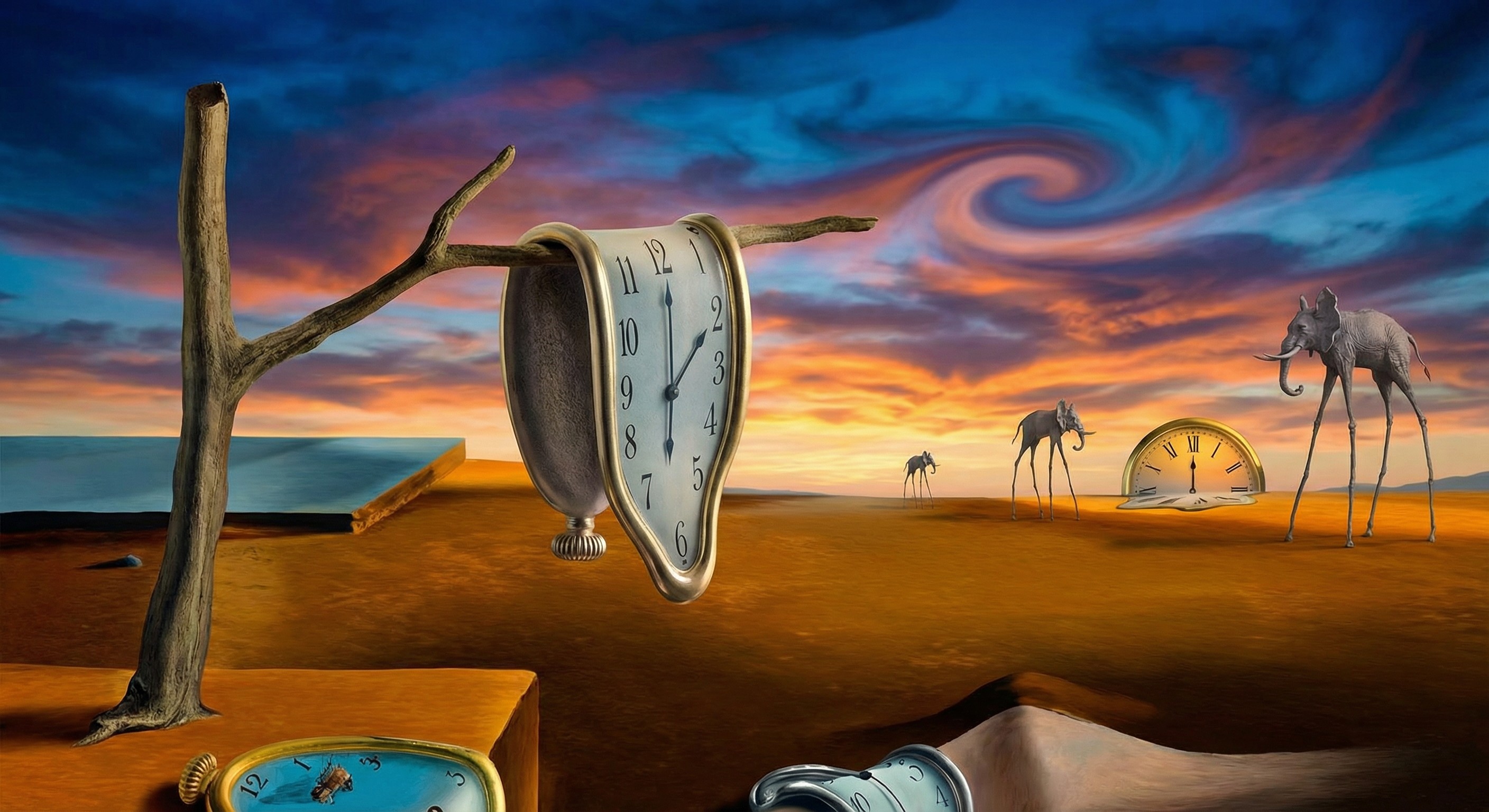 |
From Nano Image to Picyou Video: The 2026 Workflow
The biggest limitation of Nano Banana is that it creates static images. To truly stand out on social media, you need motion.
How to animate your Nano Banana results:
Generate: Use Google’s Nano Banana on your device to create a high-quality base image.
Upload: Head over to Picyou.ai.
Animate: Use our Image-to-Video tool. Because Nano Banana images have such clean edges, Picyou’s AI can segment the layers perfectly, creating a 3D parallax effect that looks like a movie scene.
Final Thoughts for 2026
Nano Banana is about efficiency. Keep your prompts under 50 words, focus on the mood, and always use "on-device render" as a suffix to trigger the model's high-performance mode.
Ready to see your Nano Banana creations in motion? Try Picyou's AI Video Generator for free today!