Best 10 ChatGPT Prompts for Photos

PicYou
Dec 5, 2025
To generate great photos from text, quality prompts are key. A good prompt helps AI understand your vision — what you want the photo to show (subject, setting, lighting, mood), and how it should look (style, composition, color, detail). According to prompt-engineering guidance, prompts should be specific, detailed and clear.
With the right prompt, even a free or easy-to-use image generator can produce impressive results.
Below are 10 prompt ideas you can use (or adapt) in ChatGPT (or any AI-image tool) to generate high-quality photos or images — from portraits to landscapes, product shots to abstract art.
Recommended Prompts for Stunning Photos
Here are 10 prompt templates that tend to produce strong results:
“Golden hour countryside landscape”
“A wide-angle photograph of a rolling countryside at golden hour, warm sunlight bathing green hills, a narrow dirt path winding through wildflowers, soft pastel sky, ultra-realistic, 35mm lens, shallow depth of field.”“Cinematic fantasy forest with magical glow”
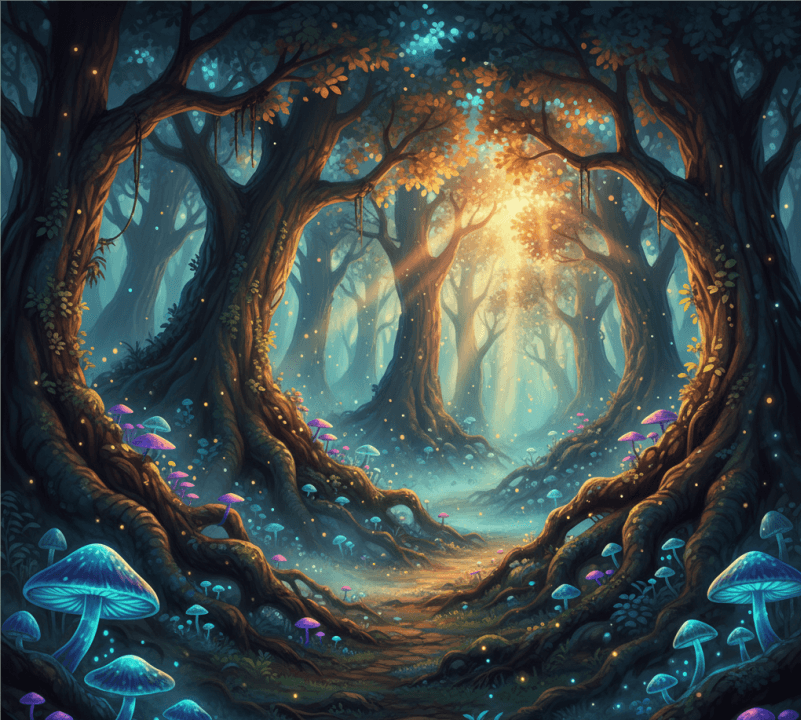
“A mystical forest at dawn, shafts of soft golden light breaking through dense ancient trees, gentle mist swirling, small fireflies glowing around moss-covered roots, fantasy-style digital art, rich colors, high detail.”“Modern product mockup — stylish watch on marble table”
“A high-resolution product photograph of a minimalist wristwatch placed on a white marble table, soft studio lighting, shallow depth of field, sharp focus on watch face, neutral background, premium e-commerce photography style.”“Vintage-style portrait of an elderly person”
“A black-and-white portrait photograph of an elderly farmer with weathered skin and deep wrinkles, soft side lighting from a window, narrow depth of field, 50 mm lens, film-grain effect, dramatic contrast, emotional mood.”“Underwater sea life scene — coral reef & tropical fish”
“A vibrant underwater photograph of a colorful coral reef teeming with tropical fish, sunbeams penetrating turquoise water, soft floating particles, high-detail macro style, vivid colors, photorealistic.”“Urban night cityscape with neon reflections”
“A nighttime street scene in a neon-lit cyberpunk city, wet asphalt reflecting colorful lights, pedestrians with umbrellas, moody atmosphere, cinematic wide-angle lens, high-contrast lighting, rain droplets visible.”“Minimalist interior design — modern living room with Scandinavian style”
“A color photograph of a bright, minimalist living room with Scandinavian furniture, large floor-to-ceiling windows showing snowfall outside, soft diffused natural light, neutral color palette, cozy atmosphere, 4K resolution.”“Vintage food still life — coffee cup and croissant on wooden table”
“A warm, cozy still-life photograph: a ceramic coffee cup and a buttered croissant on a rustic wooden table, soft morning light from a nearby window, subtle shadows, shallow depth of field, rich textures, natural tones.”“Epic fantasy landscape — floating islands at sunset”
“A dramatic wide-angle digital painting: floating rock islands hovering above a vast sea at sunset, golden-orange sky, flying birds around islands, soft glowing clouds, high detail, cinematic concept art style.”“Abstract pastel-light art — surreal colorful light trails”
“An abstract digital artwork: swirling pastel-colored light trails (teal, pink, gold) on a dark background, soft glows, light particles floating, ethereal mood, high resolution, suitable as wallpaper or art print.”
These prompts can be pasted into ChatGPT (or any AI-image tool) to generate images — and then refined or exported as needed.
How to Use These Prompts — Including with PicYou AI
If you want to turn these ChatGPT-generated prompts into actual images, here’s how:
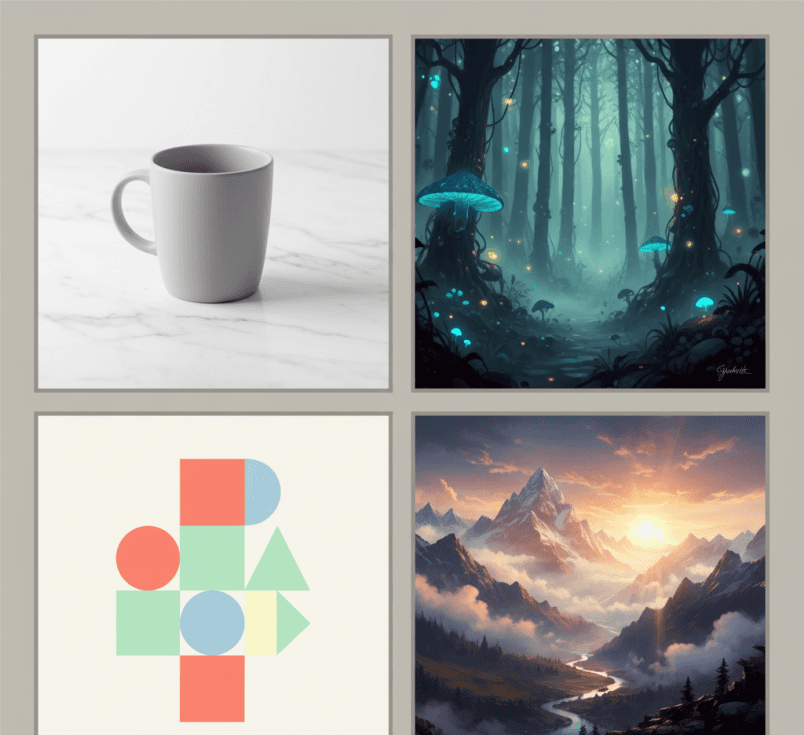
Use a tool like PicYou AI — because it supports text-to-image generation and provides a user-friendly interface. This makes it easy even for non-technical users to take a prompt and get a finished image.
Paste one of the above prompts into the prompt box. If the tool allows — choose desired output settings (aspect ratio, resolution, style).
If the result isn’t perfect — refine by adjusting prompt details: lighting, mood, camera angle, color palette — or use additional editing / style-transfer features (if the tool supports).
For best results, treat prompt writing as “precise instructions” — the more detail (subject, lighting, style, atmosphere), the better the AI can realize your vision.
This workflow works especially well for content creators, bloggers, marketers, or anyone needing custom visuals without hiring a photographer or graphic artist.
Prompt Tips & Common Pitfalls
Avoid vague or generic descriptions like “a nice photo” or “beautiful scenery.” Those usually result in generic or unpredictable outputs. Instead use concrete details (light, time, lens, mood).
If you plan for commercial use — always check the license / terms of the generator (e.g. PicYou AI or other services) to ensure you’re allowed to reuse / monetize the generated images.
If your prompt contains many elements (subject, background, mood, style, details), but results look cluttered — consider simplifying: focus on 2-3 main elements (subject, mood, lighting) and iterate.
For consistency (e.g. series of images with same style), reuse key style / lighting / mood phrases across prompts — that helps maintain visual coherence.
Why Using ChatGPT + PicYou AI Makes Sense in 2025
ChatGPT helps you craft clear, detailed prompts quickly — even if you’re not used to describing visuals. As prompt guides show, a good prompt dramatically improves result quality.
PicYou AI (or similar tools) lets you directly generate high-quality images from those prompts, without needing local GPUs, design software, or deep technical knowledge.
Together, they enable a low-cost, high-flexibility creative workflow — perfect for bloggers, small businesses, social media creators, or hobbyists needing custom visuals on demand.
Conclusion
With well-crafted prompts and the right tool, generating stunning images from text has never been easier. The 10 prompts above cover a wide range of use cases — portrait, landscape, product mockup, fantasy art, still life, abstract art — so you can pick based on your needs.
By combining ChatGPT prompt writing with a user-friendly image generator like PicYou AI, you can turn ideas into visuals quickly, flexibly, and with minimal cost. Try them out, refine as needed, and unlock your creative possibilities in 2025.
People Also Read
Top ChatGPT Image Prompts for 2025
As AI image generation becomes more advanced, the demand for effective and high-quality prompts
Learn More
Best ChatGPT Image Prompts 2025
As AI image generation becomes more advanced, creatives, marketers, designers, and everyday users
Learn More
Top 10 prompts for chatgpt prompts for photos
As AI-powered image generation matures, the quality of output depends heavily on how well you define your prompt.
Learn More