How to Generate Stunning Images from Text: Best AI Tools Compared

PicYou
Dec 4, 2025
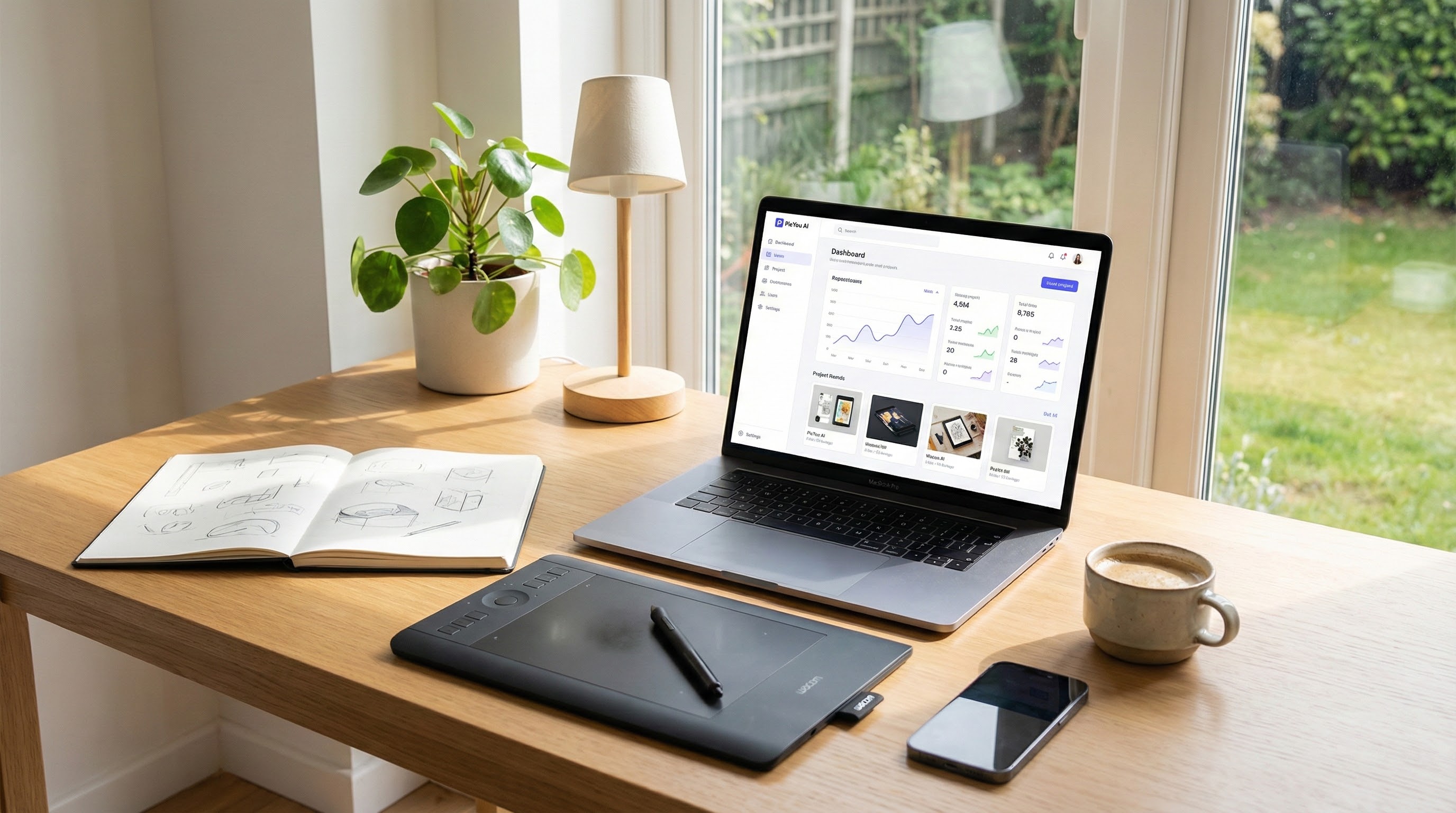
When you want to turn text prompts into high‑quality images, a good AI generator should deliver:
Strong prompt‑to‑image fidelity — output matches your prompt in composition, detail, style, and quality.
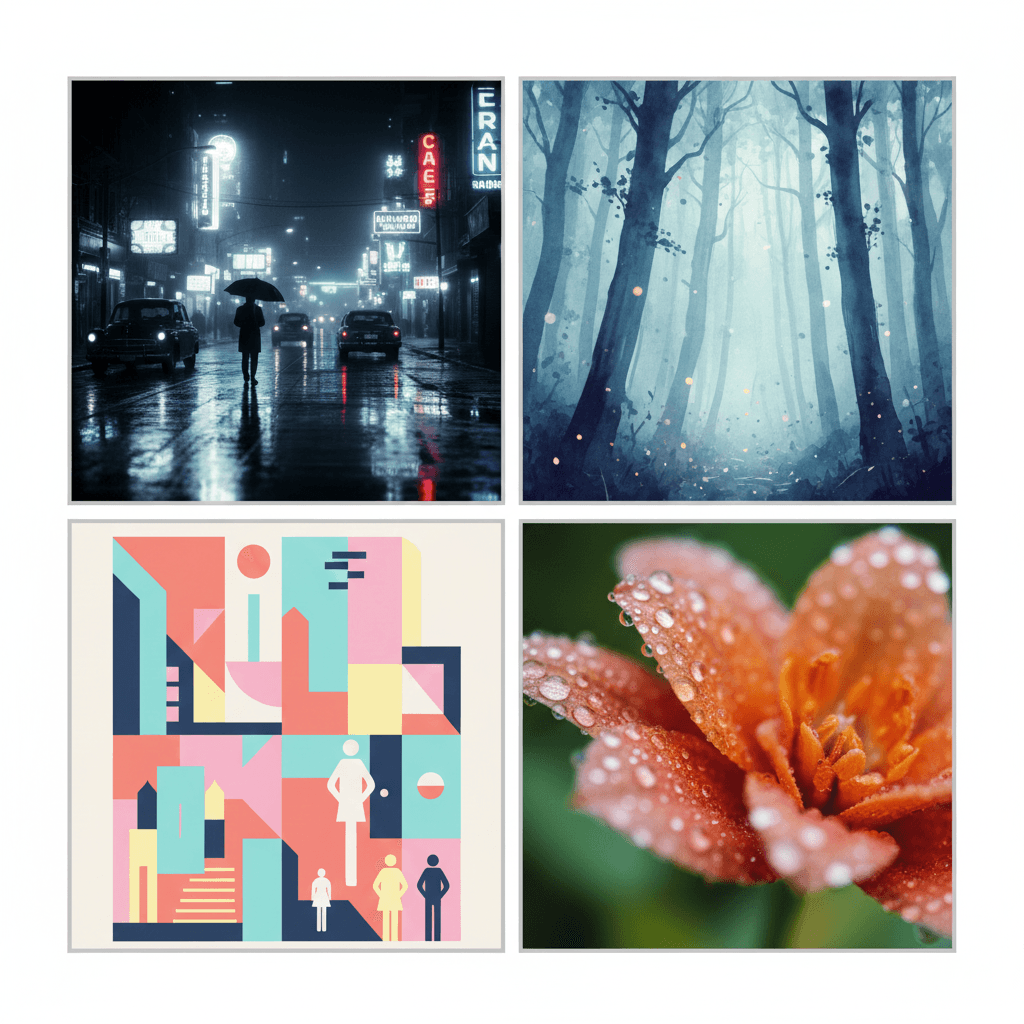
Style flexibility — support for photorealism, illustration, fantasy, design graphics, etc.
Ease of use and accessibility — browser‑based UI or minimal setup, so anyone can use it.
Pricing or free tier balance — generous enough free / credit‑based tiers or cost‑effective subscription.
Extra features — such as image‑to‑image, style transfer, upscaling, or editing capabilities to refine or vary images.
Reliability and throughput — stable performance and reasonable rendering time, even under load.
With these in mind, here are some of the top AI tools in 2025 for generating amazing images from text — and why you might choose each depending on your needs.
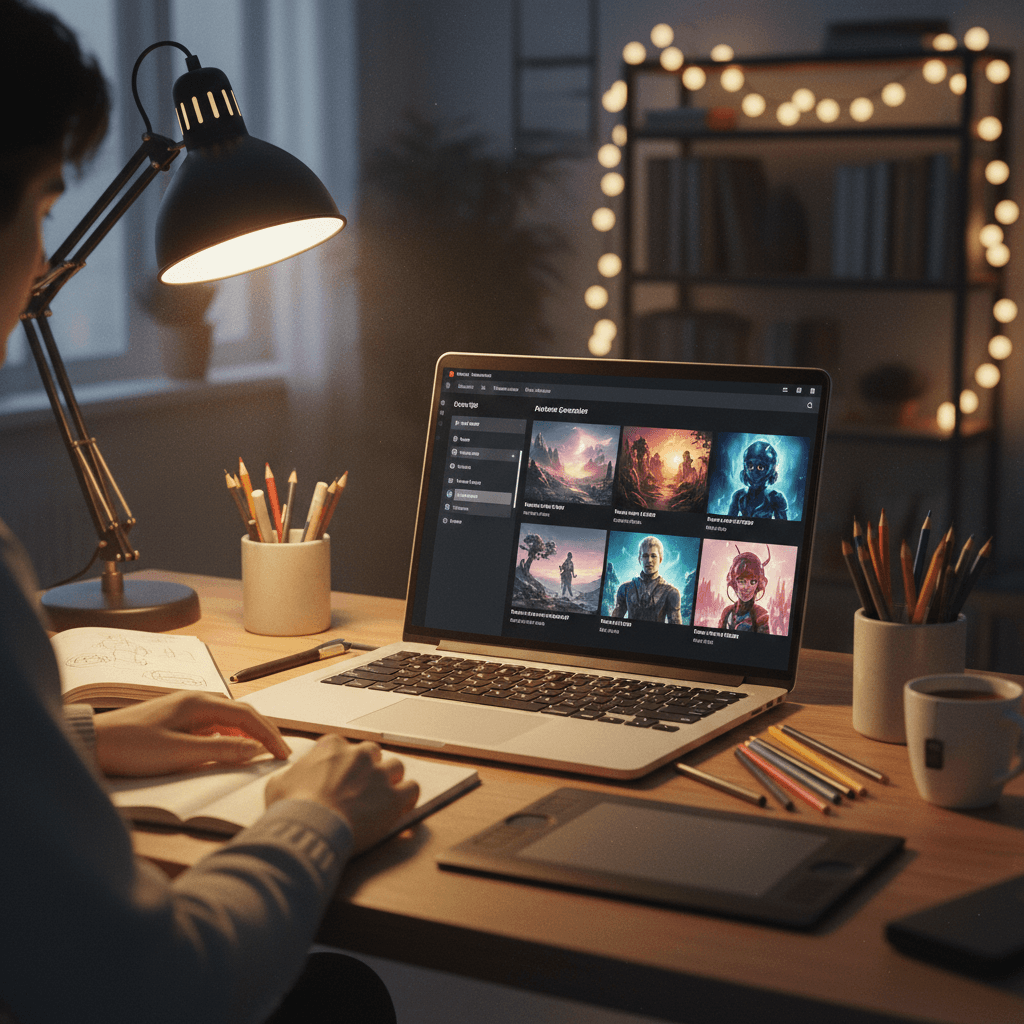
PicYou AI — A Versatile Generator for Everyday Creators
PicYou AI is increasingly relevant for users who want a blend of flexibility, usability, and convenience. Its strengths:
Text‑to‑image generation — simple prompts produce visuals without complicated setup.
Support for multiple modes — beyond basic generation: you may be able to use image‑to‑image or style transformations to refine results, making it useful for concept‑to‑polish workflows.
Low barrier to entry — web‑based, so no need for powerful hardware. Suitable for bloggers, marketers, small teams, social‑media creators, or hobbyists.
Efficiency for content workflows — because it is easy and quick, it’s great for generating blog images, social media graphics, thumbnails, concept art, or quick prototypes.
If you value convenience and need a reliable general‑purpose tool without the friction of self‑hosting or steep learning curves — PicYou AI is worth trying first.
Other Leading AI Text‑to‑Image Tools in 2025
Here are some of the widely used and well‑regarded alternatives, each with their own strengths.
Stable Diffusion
As one of the original open‑source text‑to‑image models, Stable Diffusion remains a go‑to for users who value control, customization, and privacy. You can self‑host or use community web interfaces. Its flexibility makes it popular among developers, digital artists, or anyone who wants fine‑tuning over style, resolution, or output settings.
Midjourney
Midjourney continues to shine when it comes to artistic and stylized image generation — fantasy art, illustration, concept visuals, creative design. If you’re going for mood, creativity, or stylized visuals rather than strict realism, Midjourney is a strong pick.
Ideogram 3.0
A model that’s gaining traction in 2025 for its ability to produce images with readable or well‑formatted text embedded — important for things like posters, infographics, social‑media assets, or any image needing typography.
Other Tools (Freemium or Hybrid)
Many tools combine ease of use with reasonably high image quality — good for marketers, small businesses, or social‑media content creators. These suit best when you need quick generation, decent quality, and minimal setup.
How to Compare & Choose — Based on Your Needs
Your Need / Use Case | Recommended Tools / Approach |
|---|---|
Quick graphics for blog, social media, or marketing | PicYou AI, freemium tools, Ideogram 3.0 |
Customization, self‑hosting, full control over style & resolution | Stable Diffusion |
Artistic illustrations, concept art, stylized visuals | Midjourney, hybrid tools |
Images with typography / posters / infographics | Ideogram 3.0, PicYou AI (if it supports text overlay) |
Mixed workflows (image generation → editing / adjustments → final art) | PicYou AI or tools with image‑to‑image or style transfer support |
Tips for Getting Better Results from Text‑to‑Image Tools
Craft detailed prompts: Include subject, style, mood, lighting, color palette, composition.
Start broad, then refine: Generate a few drafts, then use image‑to‑image or editing tools to iterate.
Test across tools: The same prompt may yield very different results — test with multiple tools to pick best output.
Mind licensing and commercial use: Especially if you plan to use images for marketing, products, or sale — choose tools that allow commercial use.
Use hybrid workflows when needed: Combine quick generation (e.g. PicYou AI) with fine‑tuning (e.g. Stable Diffusion) to balance speed and quality.
Conclusion
In 2025, there’s no universal “best” text‑to‑image AI — the “best” depends on what you need.
For ease, flexibility, and general‑purpose use: PicYou AI stands out.
For control, customization, or self‑hosting: Stable Diffusion delivers.
For stylized, artistic visuals: Midjourney shines.
For images that need text or branding graphics: Ideogram 3.0 is a good bet.
People Also Read
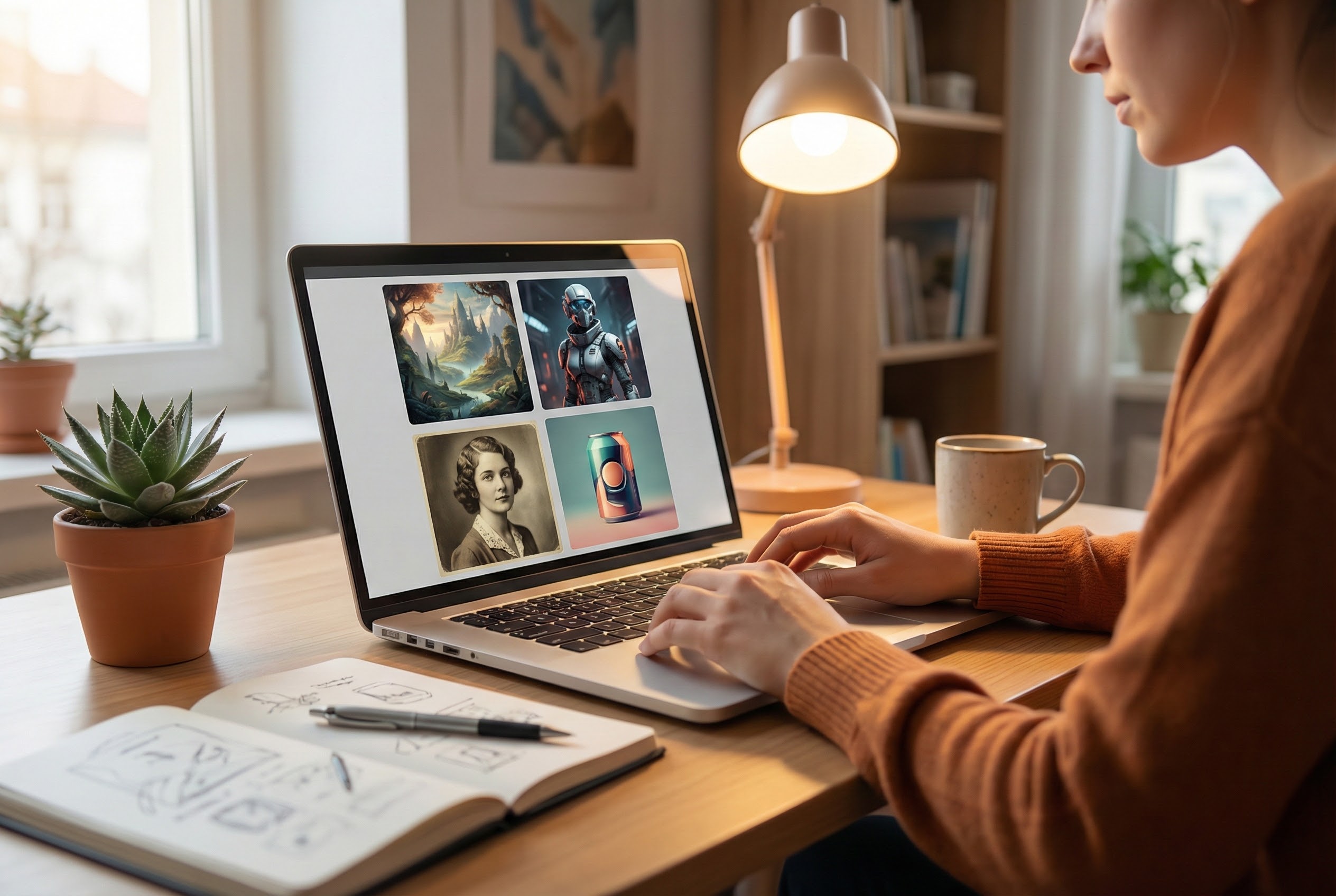
Best Text-to-Image AI Generators 2025
In 2025, with many AI image generation tools available, what separates the best from the rest?
Learn More

Best AI Image Generator Free in 2025
In 2025, there are many AI image generators claiming to be “free.” But “free” alone is not enough
Learn More
How to Find a Reliable Free AI Image Generator in 2025
When you search for a free AI image generator in 2025, “free” is just one dimension.
Learn More