/
/
/
Best AI Kiss Generators 2026: How to Create Realistic Kissing Videos from Photos
Best AI Kiss Generators 2026: How to Create Realistic Kissing Videos from Photos

PicYou
Dec 22, 2025
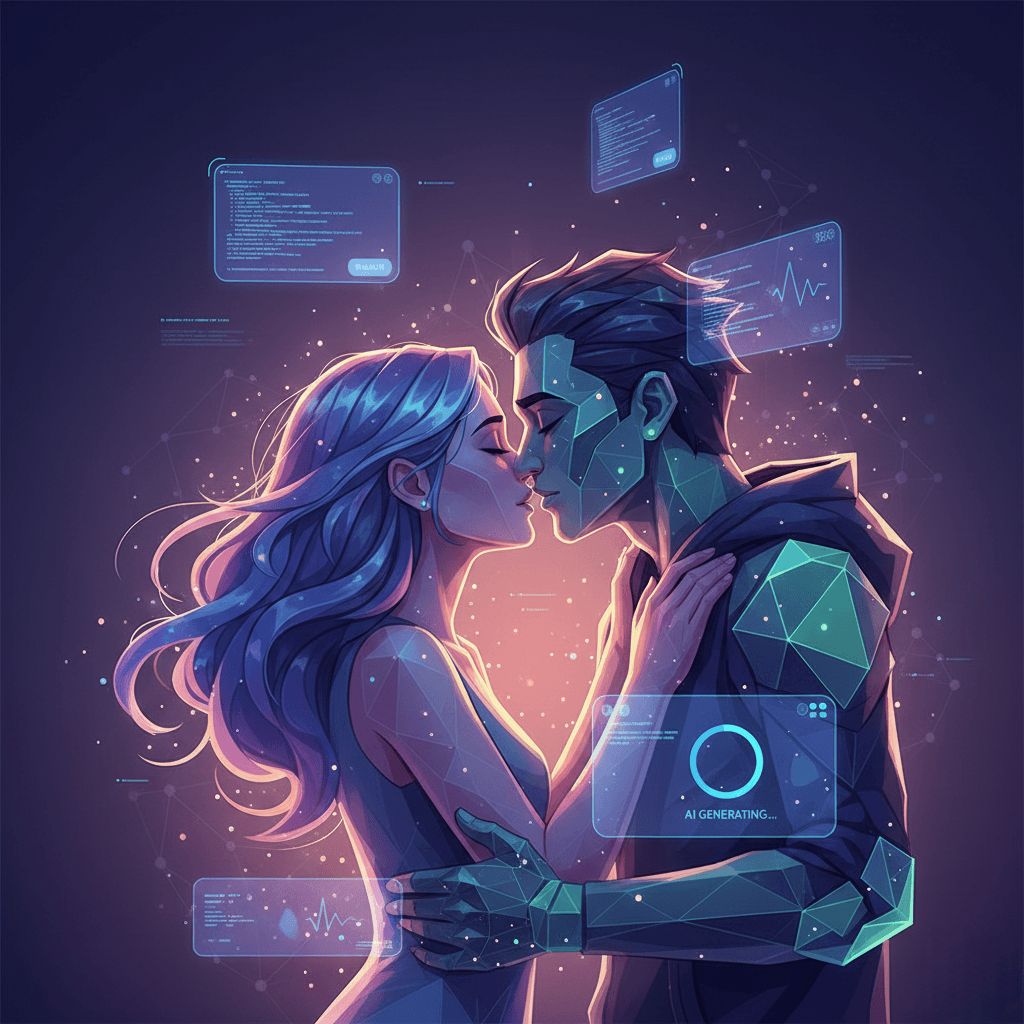
In 2026, AI-powered video generation has evolved far beyond static image editing — now you can transform photos into realistic kissing videos using advanced AI tools. Whether you’re creating romantic content for social media, preserving cherished moments in dynamic form, or simply experimenting with creative AI, the rise of AI kiss generators has made previously complex video production accessible to everyone.
This article explores the best AI kiss generator tools in 2026, step-by-step techniques for turning photos into lifelike kissing videos, common use cases, ethical considerations, and how platforms like PicYou AI fit into this exciting landscape.
Why AI Kiss Generators Are Popular in 2026
AI kiss generators — tools that animate static photos to simulate a kiss — have become popular for several reasons:
Ease of use: You don’t need video editing experience or filmmaking skills.
Emotional impact: Motion adds emotional depth to otherwise static images.
Creative expression: Users can create romantic clips, dynamic slideshows, or personal content easily.
Social media demand: Short, sharable video content performs better than static photos on platforms like TikTok, Instagram, and Reels.
The technology behind AI kiss generation often combines image-to-video synthesis, motion transfer, and model-based animation. Modern tools use diffusion models, neural rendering, and deep learning to produce realistic movement and facial expression — including subtle actions like leaning in for a kiss.
How AI Kiss Generators Work
Most AI kiss generators follow a similar process:
Input photo(s): Upload one or more portraits.
Define action: Specify the desired animation (e.g., two people leaning in, kissing).
AI animation: The tool uses neural motion synthesis to generate smooth movement.
Refinement & effects: Tools often let you add lighting, background music, captions, or style filters.
Export: Download the video in your desired format and resolution.
Some tools support single-photo input (AI predicts motion from one image), while others work best with multiple layered photos (front and side views). Regardless, prompt-quality, photo resolution, and alignment significantly influence the final video realism.
Top AI Kiss Generator Tools in 2026
Here are some of the most notable AI tools available this year that can help you create realistic kissing videos:
1. PicYou AI – All-in-One Creative Suite
PicYou AI is a versatile creative platform that supports photo-to-video generation, including motion effects like simulated actions and expressions. While not solely dedicated to “kiss generation,” PicYou AI’s advanced motion and animation features let you generate dynamic clips from photos using natural language prompts.
Why PicYou AI stands out:
Text-to-video and image-to-video workflows that can be used together: describe the desired movement (e.g., “animate these two people leaning in for a romantic kiss at sunset”) and let the AI produce motion frames.
User-friendly interface: No complex setup or technical skills required — ideal for beginners.
Multi-purpose platform: You can edit, add soundtracks, apply filters, or enhance visuals all within the same tool.
Cloud-based: Access from any device with a browser.
Best for: Creators who want a flexible solution that goes beyond simple kiss-generation and supports editing, transitions, and creative effects.
2. MotionAI Kiss Animator
MotionAI Kiss Animator is a specialized AI tool focused on animating portraits into romantic motion clips. It uses deep motion capture synthesis to generate realistic leaning and kissing animations from paired photos.
Features:
Automatic keyframe interpolation for smooth motion.
Facial expression blending for natural eye contact and lip movement.
Background stabilization and optional music overlay.
Best for: Users who want a dedicated tool for realistic kiss animations without manually tuning motion parameters.
3. HeartMotion Video Generator
HeartMotion leverages advanced neural rendering and pose estimation to create dynamic short videos from photos. It allows users to control motion intensity, camera angle, and pacing, which helps tailor kissing sequences to specific styles.
Strengths:
Multiple motion presets (gentle kiss, passionate peck, slow motion).
Adjustable lighting and color grading.
Fast online generation with minimal configuration.
Best for: Social content creators and influencers who need quick results.
4. RealiMation – Neural Facial Animator
RealiMation focuses on facial animation and expression transfer. While its primary use case is nuanced expression synthesis (smiles, laughs, emotional transitions), it can be adapted for kiss animations when paired with motion cues.
Notable features:
AI-driven facial motion blending.
Support for layered animation (face + background + body movement).
Export in various frame rates.
Best for: Users wanting expressive, emotionally resonant video clips with fine control over facial dynamics.
5. Free AI Tools with Kiss Motion Plugins
Several free or freemium AI tools in 2026 offer motion plugins or experimental “romantic motion” features powered by community models:
DreamMotion — plugin-style motion effects for static photos.
VidioGen Lite — free text-to-video generator with basic motion prompts.
AnimAI Free Tier (Research Labs) — open-source models supporting basic action generation.
Best for: Users experimenting or on a tight budget, though free options may produce lower resolution clips or watermarks.
How to Create Realistic Kissing Videos From Photos
Here’s a step-by-step workflow you can follow, regardless of the specific AI tool you use:
1. Start With High-Quality Photos
Use photos where faces are clearly visible and well-aligned.
Ideally, both subjects should have similar lighting and head orientation.
High resolution helps the model produce sharper, more believable motion.
2. Choose the Right Tool for Your Needs
For flexibility and creative control, use PicYou AI or a dedicated video animator like MotionAI Kiss Animator.
For quick output, try HeartMotion or free tools with motion features.
3. Write Clear Action Prompts
If the tool accepts text instructions (like PicYou AI), make your intent explicit:
“Animate these two photos into a realistic kissing motion clip at sunset, warm lighting, gentle movement, 24fps cinematic look.”
Modifiers that help:
time of day: golden hour, twilight, candlelit
emotion: tender, romantic, slow motion
style: cinematic, photorealistic, soft focus
4. Adjust Motion & Style Settings
Some tools let you fine-tune:
Motion intensity
Camera angle or virtual framing
Background blur or bokeh
Color grading and effects
This step lets you tailor the final look to match your creative vision.
5. Add Audio or Soundtrack (Optional)
Adding gentle background music or ambient sound can enhance viewer engagement — especially for social sharing.
6. Export and Share
Select your desired resolution and format (MP4 is most common), then export. Be mindful of watermarking limitations on free tiers.
Ethical Considerations & Responsible Use
While AI kiss generators are fun and creative, it’s important to use them responsibly:
Consent matters: Only use photos of people who have given explicit permission.
Avoid harmful deepfakes: Do not create misleading or deceptive videos that could harm someone’s reputation.
Respect privacy: Personal or intimate content should not be shared without consent.
Following ethical standards protects both creators and subjects from abuse or misuse.
Why PicYou AI Is a Good Choice in 2026
PicYou AI stands out in the current landscape because it doesn’t just generate motion — it supports multi-stage creative workflows:
Text-to-image generation: You can generate visuals from prompts before animating them.
Image-to-video or animation features: Animate generated or uploaded photos with motion effects.
Editing and enhancement: Add text, effects, frames, or transitions within a single platform.
User-friendly: No need for advanced tools like After Effects or Blender.
This combination makes PicYou AI especially helpful when working with Nano-level prompt precision and detailed motion instructions for kiss videos.
Tips for Better Results
Use consistent lighting in photos — mismatched lighting confuses motion models.
Combine text and structured prompts for clarity
Experiment with motion intensity — subtle movements look more natural.
Compare tools — what works well in one tool may look different in another.
Conclusion
In 2026, realistic kissing videos from photos are no longer a sci-fi concept — thanks to powerful AI video generators that interpret structured prompts and produce expressive motion. Whether you’re interested in PicYou AI’s versatile workflow, dedicated motion tools like MotionAI Kiss Animator, or free experimental options, there’s a solution for every creator and budget.
Learning how to craft clear, detailed action prompts is key to achieving the best results — and with practice, AI can turn your cherished photos into compelling, lifelike moments that others won’t forget. Just remember to use these tools ethically and with respect for others’ privacy and consent.
People Also Read
Top 5 Free AI Kiss Generators in 2026
AI-powered kiss generators have become one of the most viral creative trends in recent years. In 2026
Learn More

The Viral AI Kiss Trend: Top Websites to Make Your Favorite Characters Kiss
In 2025 and beyond, one unexpected trend has taken social media by storm: AI-generated kissing videos.
Learn More
Best AI Kiss Generators 2026: How to Create Realistic Kissing Videos from Photos
This article explores the best AI kiss generator tools in 2026, step-by-step techniques for turning photos into lifelike kissing videos
Learn More