Best Text-to-Image AI Generators 2025

PicYou
Dec 4, 2025

In 2025, with many AI image generation tools available, what separates the best from the rest? Consider the following attributes when evaluating a text-to-image generator

Prompt fidelity & image quality: The generator should accurately translate your text prompt into a coherent, high-quality image with good composition, clarity, and detail.
Usability and accessibility: Ideally, the tool runs in a browser or requires minimal setup — convenient for creators without deep technical knowledge.
Flexibility & features beyond basic generation: Support for different styles (realistic, illustration, stylised), possibly image-to-image, editing, or output customization (aspect ratio, resolution) adds versatility.
Cost model / free-tier or reasonable pricing: A generator with a generous free tier or affordable pricing offers lower barrier for experimentation.
Consistency & reliability: The tool should reliably produce good images and maintain stable service, even under heavy demand.
Licensing / commercial-use safety (if relevant): If you intend to use generated images commercially (e.g. marketing, clients, products), the licensing terms must permit reuse.
When a tool satisfies most of these, it becomes a strong candidate — especially useful for content creators, marketers, designers, or hobbyists.
PicYou AI — A Versatile and Accessible Option
PicYou AI stands out in 2025 as a good balance between usability, flexibility, and accessibility.
As a web-based tool, PicYou AI requires no complicated setup or powerful hardware, making it easy for beginners or non-technical users to start generating images.
Beyond text-to-image, PicYou AI supports image-to-image transformations, style adjustments and (depending on its roadmap) possibly more creative features — offering more creative control than basic generators.
Its flexibility suits a variety of use cases: social-media visuals, blog images, concept sketches, marketing mockups or content for small businesses and e-commerce.
For those who want to experiment, iterate quickly, or produce visuals without investing in equipment or advanced skills — PicYou AI represents a practical, user-friendly option.
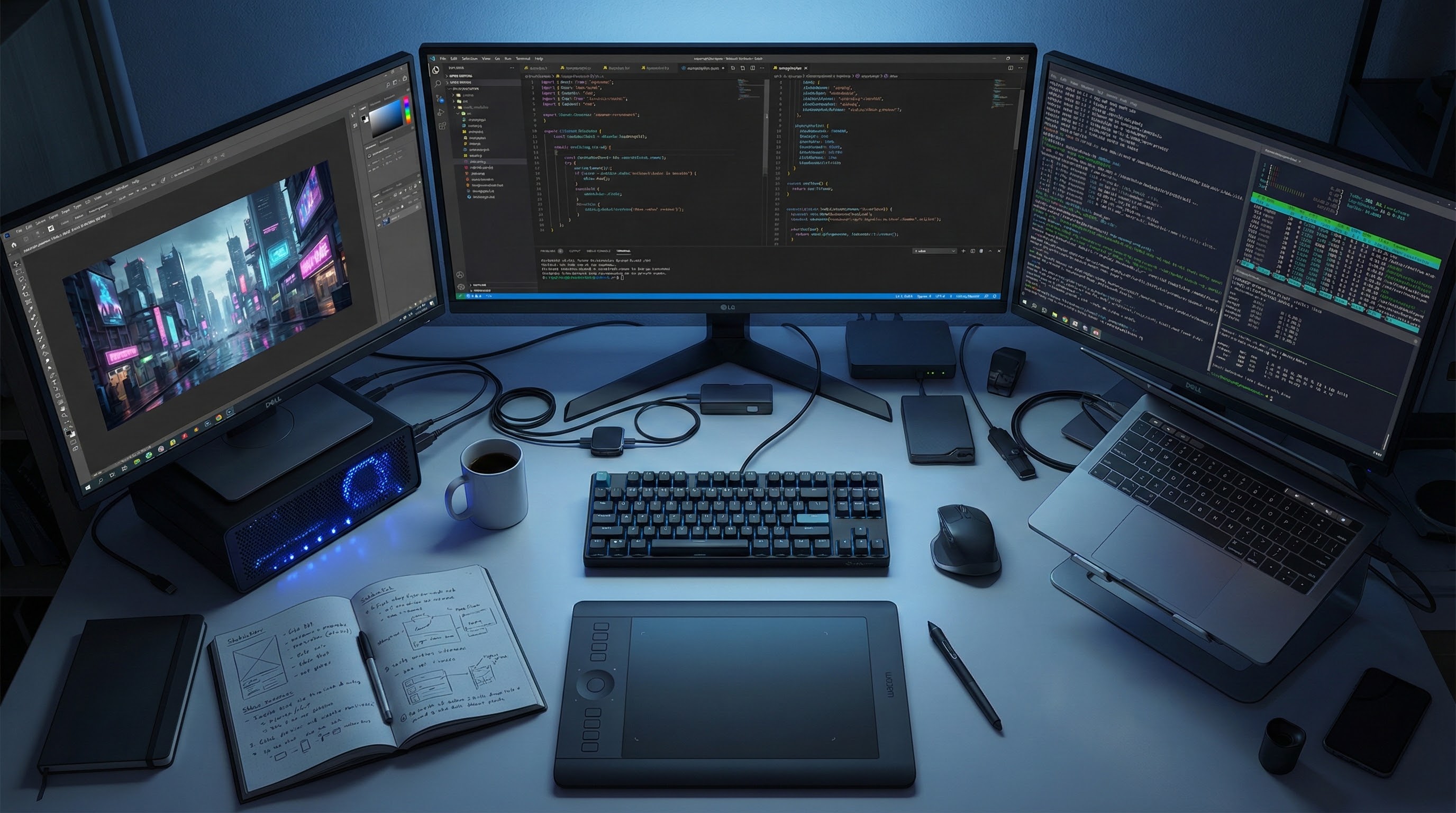
Leading Text-to-Image Models & Tools to Watch in 2025
Beyond PicYou AI, several other tools and models are widely recognized for their quality, versatility, or niche strengths. Here are some of the top names as of 2025.
Stable Diffusion
An open-source, widely used text-to-image model. It offers high flexibility: users can self-host, fine-tune parameters, or run community-modified versions for different styles and outputs.
Best for creators who want custom control, privacy, or tailored style, or those integrating image generation into a custom workflow.
Midjourney
Known for strong stylistic and artistic rendering — excellent for concept art, stylized illustrations, fantasy art, and creative visuals. According to a 2025 overview, Midjourney continues to be among top-ranked tools for visual quality and creativity.
Best for artists, designers, and creators prioritizing artistic flair and creative visual style over strict realism.
Ideogram 3.0
A text-to-image model with strong support for generating images containing legible text or typography, which can be a challenge for many generative-image models.
Good for projects requiring posters, infographics, social media graphics, banners — where combining image with readable text matters.
Adobe Firefly
For creators embedded in the Adobe ecosystem, Firefly offers text-to-image features integrated with design workflows. It emphasizes commercial-safe content generation, useful for marketing, branding, and business asset creation.
Suitable for designers, marketers, and teams needing brand-safe, ready-to-use visuals in a professional workflow.
How to Choose the Right Generator for You
Your choice should depend on what you need. Here's a quick decision guide:
Your Goal / Use Case | What to Prioritize | Recommended Tools / Approach |
|---|---|---|
Quick visuals for blog, social media, or marketing — minimal technical effort | Easy UI, good default quality, browser-based | PicYou AI, Adobe Firefly |
Artistic, stylistic visuals — illustration, concept art, stylised output | Style control, creative flair, flexible prompts | Midjourney, Stable Diffusion (custom presets) |
Customisable output, self-hosting, privacy, advanced control | Open-source, fine-tuning, local control | Stable Diffusion |
Images + embedded text or graphics (posters, banners, social content) | Text rendering, layout control, design-ready output | Ideogram 3.0, design-oriented tools |
Commercial or professional use requiring brand safety & proper licensing | Commercial-safe licensing, consistency, professional workflow | Adobe Firefly, high-quality paid tiers |
Tips for Better Results with Text-to-Image Tools in 2025
Write clear and detailed prompts: Describe subjects, style, mood, lighting, color palette, composition — the more specific, the better.
Experiment across tools: Try the same prompt across different generators (e.g. PicYou AI, Stable Diffusion, Midjourney) to compare output quality, style, and suitability for your project.
Refine or edit generated images: Use additional editing tools (or the generator’s built-in features) to polish outputs — especially for commercial or client-facing work.
Respect licensing and usage rights: Always check if the tool allows commercial use, especially if you plan to reuse images for marketing, sales, or published content.
Combine tools when needed: Use one tool for base generation (e.g. PicYou AI for quick mockups), another for style or detail refinement (e.g. Stable Diffusion or Adobe Firefly), to optimize efficiency and quality.
Conclusion
In 2025, the market for text-to-image AI generators is mature and diverse — there’s no one-size-fits-all “best” tool. Instead, the right choice depends on your needs: speed vs style, ease vs control, free vs professional.
For creators seeking convenience, flexibility, and a gentle learning curve, PicYou AI offers a great balance.
For those needing artistic control or custom workflows, Midjourney or Stable Diffusion shine.
For structured graphics, marketing assets, or text-heavy visuals, Ideogram 3.0 or Adobe Firefly are strong contenders.
If you’re exploring AI image generation, a good strategy is to test different tools, use what works for your scenario, and refine based on your project’s goals.
People Also Read
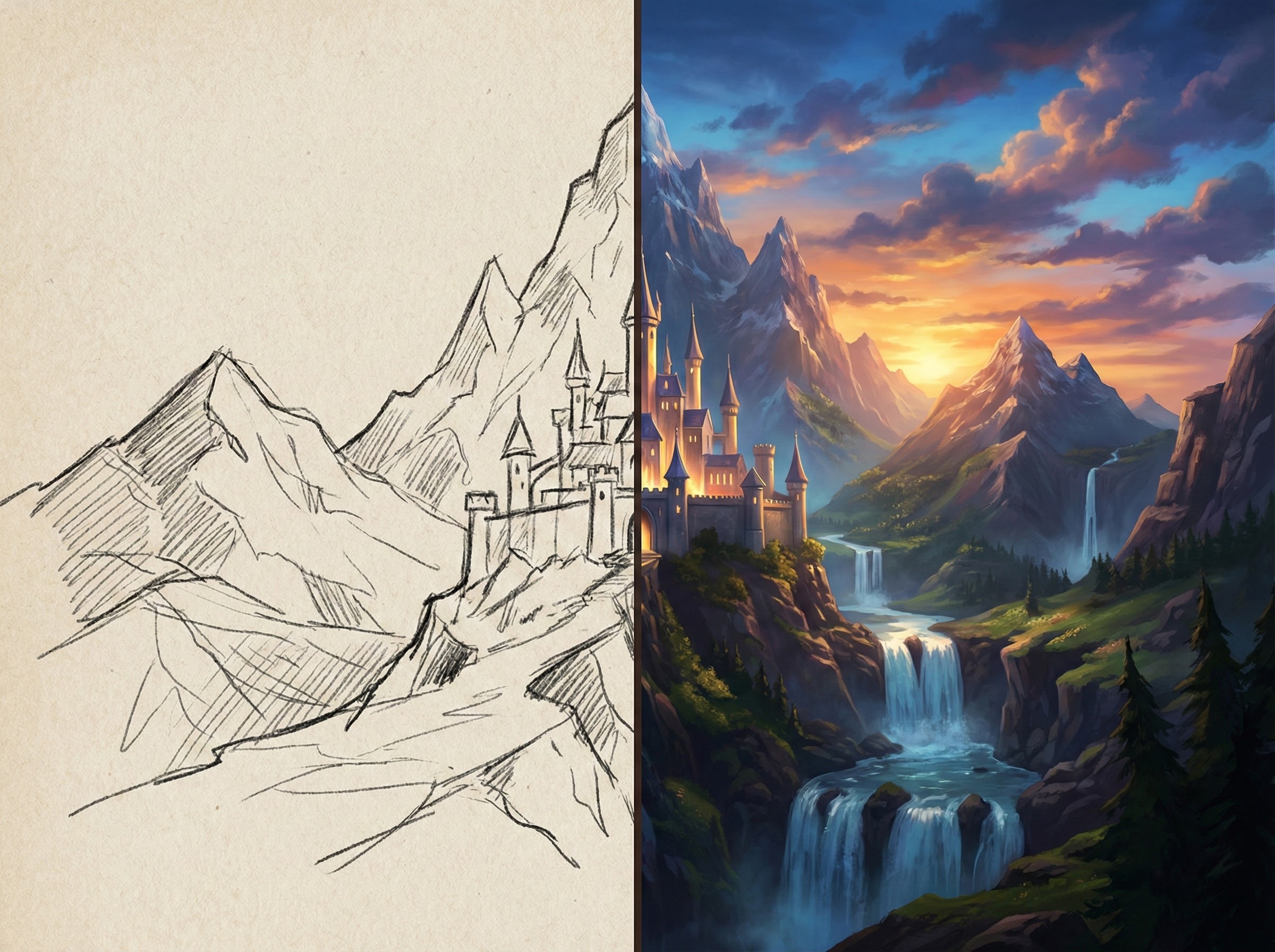
How to Find a Reliable Free AI Image Generator in 2025
When you search for a free AI image generator in 2025, “free” is just one dimension.
Learn More

Best AI Image Generator Free in 2025
In 2025, there are many AI image generators claiming to be “free.” But “free” alone is not enough
Learn More
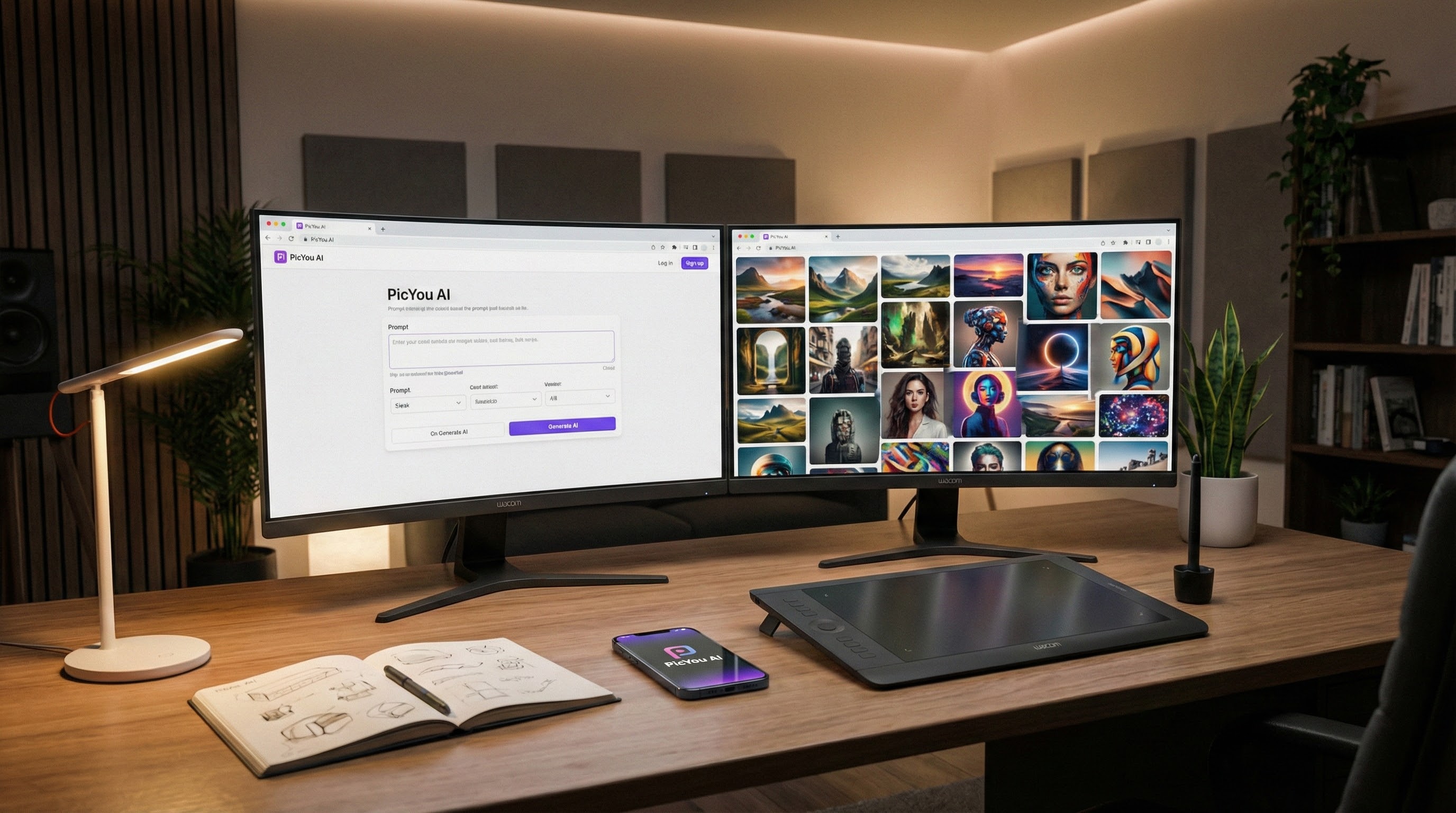
Best Image Generator AI Tools in 2025
In 2025, AI-powered image generators have matured rapidly. When evaluating tools
Learn More