How to Choose an AI Image Generator in 2025

PicYou
Dec 3, 2025
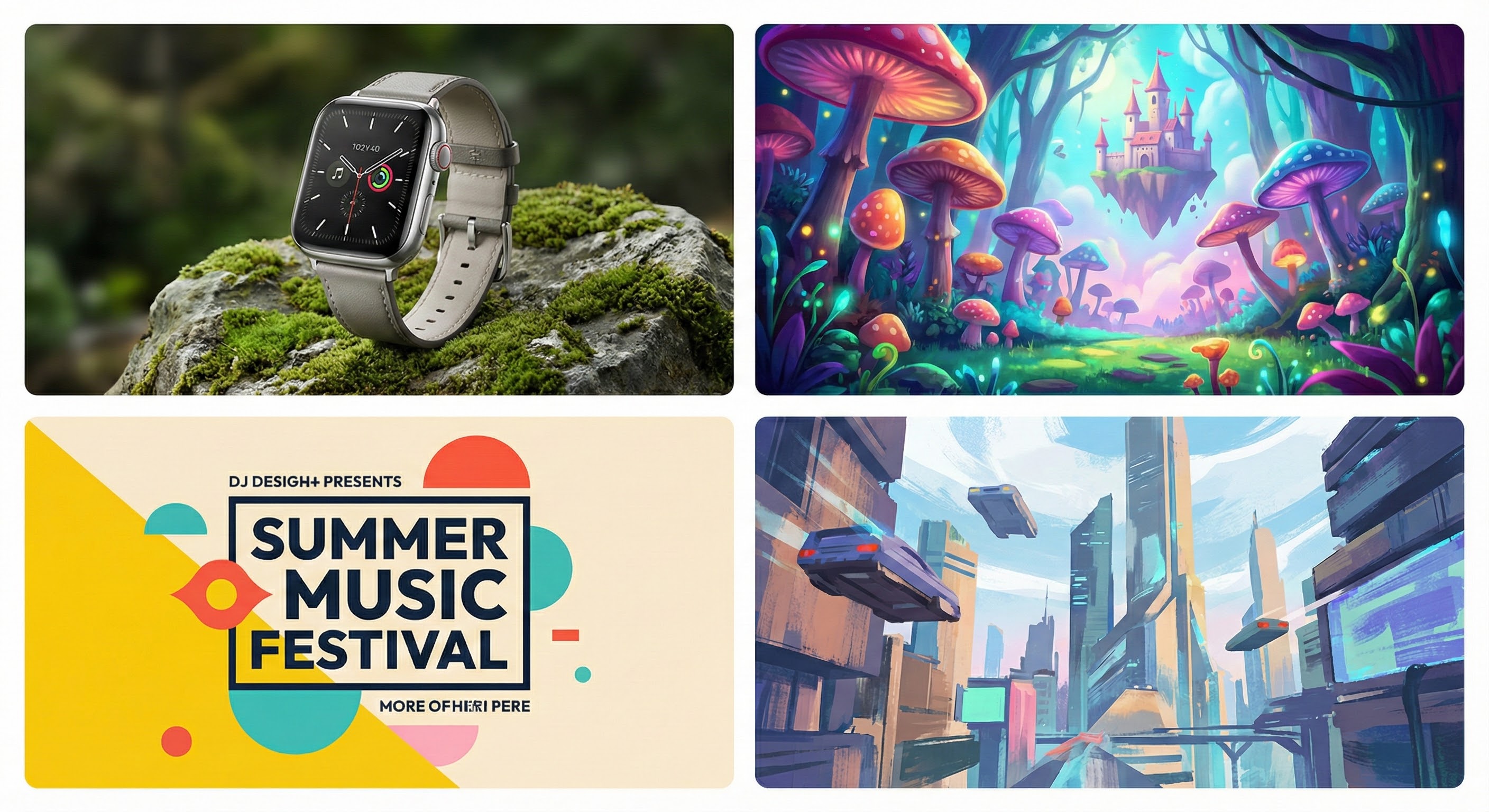
In 2025, AI image generation tools have evolved rapidly. When selecting a tool, consider several key factors that make the difference between a frustrating experience and a smooth creative workflow:
Image quality & prompt understanding: A good tool should produce images that accurately reflect the prompt, with clear details, proper composition, and high resolution.
Cost & pricing model: Some tools are free or freemium; others require subscriptions or pay‑per‑use credits. It’s important to match your usage patterns (casual, professional, frequent, occasional) with the right payment model.
Features beyond basic generation: Additional features — like image‑to‑image, style transfer, upscaling, output format variability (e.g. different aspect ratios), or even video support — can add significant value.
Ease of use & workflow integration: A clean UI, minimal setup, fast processing, and compatibility with content-creation workflows matter a lot, especially for non‑technical users or teams.
Flexibility & control: For advanced users, the ability to customize style, resolution, or even self‑host/open‑source models may matter more than convenience.
With these in mind, let’s look at how PicYou AI — along with other common choices — stacks up, and how you can decide which generator fits your needs best.
Why PicYou AI is a Strong Choice in 2025
PicYou AI stands out as a versatile, all‑in‑one platform for creators, marketers, and content teams. Here’s why you should consider it:
PicYou AI offers text‑to‑image generation, image‑to‑image transformation, style transfer, and more — making it more than just a traditional image generator. For creators who want flexibility, this consolidation reduces the need to juggle multiple tools.
The platform is well suited to users who value ease, speed, and simplicity over deep technical customization. If you're producing marketing visuals, social media graphics, thumbnails, or simple concept images, PicYou AI provides a smooth, user‑friendly workflow.
For small teams or freelance creators, the unified workflow and multi‑function support (image + editing + style transfers) can save time and streamline production — especially when output variety matters.
In short: if you care about productivity, convenience, and a “one‑stop shop” for generative content, PicYou AI is a compelling candidate.

Other Types of AI Image Generators to Consider
While tools like PicYou AI are valuable, other types of generators may be more suitable depending on your goals:
Established premium tools: Some generators are known for high‑fidelity output and strong prompt‑to‑image accuracy, making them good for professional illustration, concept art, or commercial‑grade content.
Open‑source / self‑hosted models: If you want full control over style, resolution, privacy, or want to avoid subscription costs, using self‑hosted models gives maximum flexibility.
Freemium or budget‑oriented generators: For hobbyists, casual creators, or those needing occasional visuals, lighter tools with free‑tier access or low costs can be sufficient, especially for social‑media posts, simple visuals, or mockups.
How to Match Generator Type With Your Needs
Here’s a quick decision guide based on common use‑cases:
Use Case / Goal | What to Prioritize & Which Generator Type |
|---|---|
Quick social‑media images, blog graphics, marketing visuals | Ease of use, convenience, multi‑function — PicYou AI or freemium online tools |
Content that needs images + editing or style transfer | All‑in‑one platforms like PicYou AI |
High-quality concept art, commercial illustrations, creative projects | Premium generators or advanced open‑source models with high fidelity |
Projects requiring privacy, customization, or offline control | Self‑hosted / open‑source models |
Occasional or experimental use, low budget | Freemium or free-tier generators |
Prompt Crafting & Workflow Tips (2025)
Getting good results from AI image generators depends not only on the tool — but also on how you write your prompt and structure your workflow. Here are some tips:
Be detailed in prompts: combine subject, environment, style, lighting, mood, and technical parameters (e.g. “high resolution”, “cinematic lighting”, “portrait orientation”). This helps generators produce more accurate images.
If the tool supports it — use image‑to‑image or style transfer to refine or stylize existing images instead of starting from scratch. This is helpful if you want consistency in style across multiple assets.
For teams or content creators producing visual assets regularly — choose a tool with batch processing, upscaling, and variety output support to save time. All‑in‑one platforms excel here.
If you’re privacy‑conscious or working with sensitive content — consider a self‑hosted or open‑source generator, which gives you more control over data and output.
What to Watch Out For
Some tools may offer high convenience but sacrifice fine control or highest image fidelity. If your project demands professional-level quality, test before committing.
Licensing, output rights, and commercial usage — always check the service’s terms. Make sure the tool allows commercial reuse if you plan to use generated images for business, marketing, or client work.
Prompt limitations / consistency — for consistent branding or style across multiple images, you may need to refine prompts carefully, or use reference images / presets in a more customizable tool.
Cost over time — pay-per-use models or frequent use may become expensive; evaluate subscription vs one‑time cost depending on volume.
Conclusion
In 2025, there is no one “best” AI image generator for everyone. The right choice depends on what you need, how you work, and what you value — convenience, control, cost, quality, or flexibility.
If you want a versatile, easy, workflow‑friendly tool — PicYou AI is a strong contender.
If you value high-fidelity output or deep customization, consider premium or open‑source/self‑hosted generators.
If you just need quick, occasional visuals without complexity — a freemium or budget-friendly option may suffice.
Ultimately, understanding your goals and workflows will help you choose the right generator — and using the right prompts and practices will help you get the most out of it.
People Also Read

Top AI Image Generators for 2025
When looking for a high‑quality AI image generator in 2025, several aspects matter most
Learn More

Best AI Image Generators 2025
2025 brings a vibrant, rapidly evolving ecosystem for AI‑powered image creation.
Learn More
Top Free Text to Image Generators in 2025
In 2025, the AI‐powered image generation landscape continues to expand
Learn More