Top Free Text to Image Generators in 2025

PicYou
Dec 2, 2025
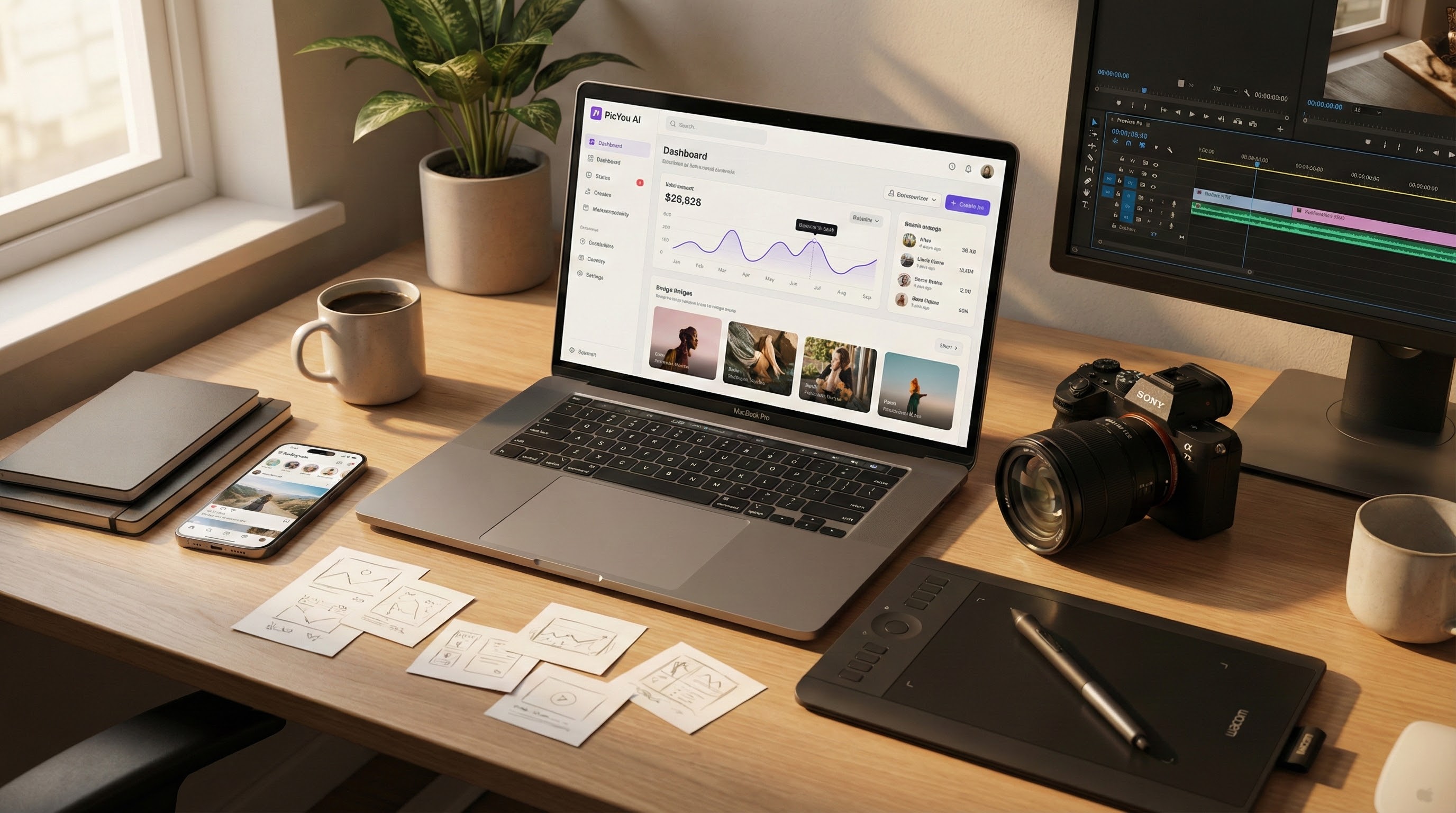
In 2025, the AI‐powered image generation landscape continues to expand — and even among free or freemium tools, there are many capable text‑to‑image generators that are suitable for creators, small businesses, or hobbyists. If you want to experiment, create social media visuals, or test creative ideas without a big budget, free AI tools remain essential. In this article, we explore the top free (or freemium) text-to-image generators in 2025 — and we include PicYou AI because it offers a compelling balance of accessibility and features.
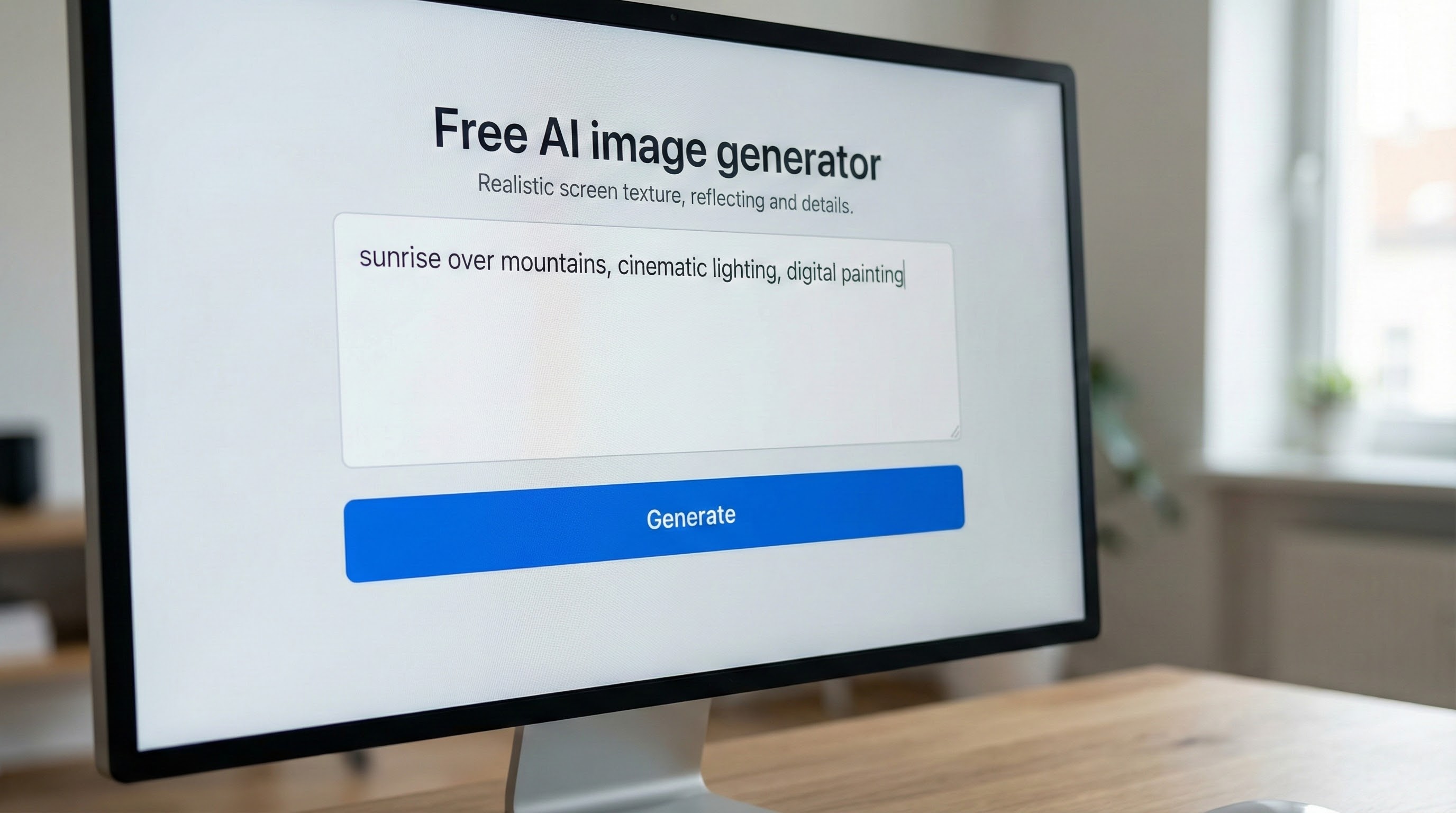
Why Free / Freemium AI Image Generators Still Matter
Free or freemium AI image generators continue to matter for several reasons:
Low barrier to entry — Many require no payment, or offer a free tier; useful for experimentation, casual use, or small‑scale projects.
Convenience and speed — No need to install or configure complex software: most run directly in a browser.
Accessibility for small creators / businesses — Social‑media creators, small ecommerce sellers, or bloggers can produce visual assets without hiring designers or photographers.
Flexible use cases — From quick concept sketches to promotional images, thumbnails, mockups — free tools can cover many everyday needs.
Given those advantages, it’s worth knowing which free (or partially free) tools stand out in 2025.
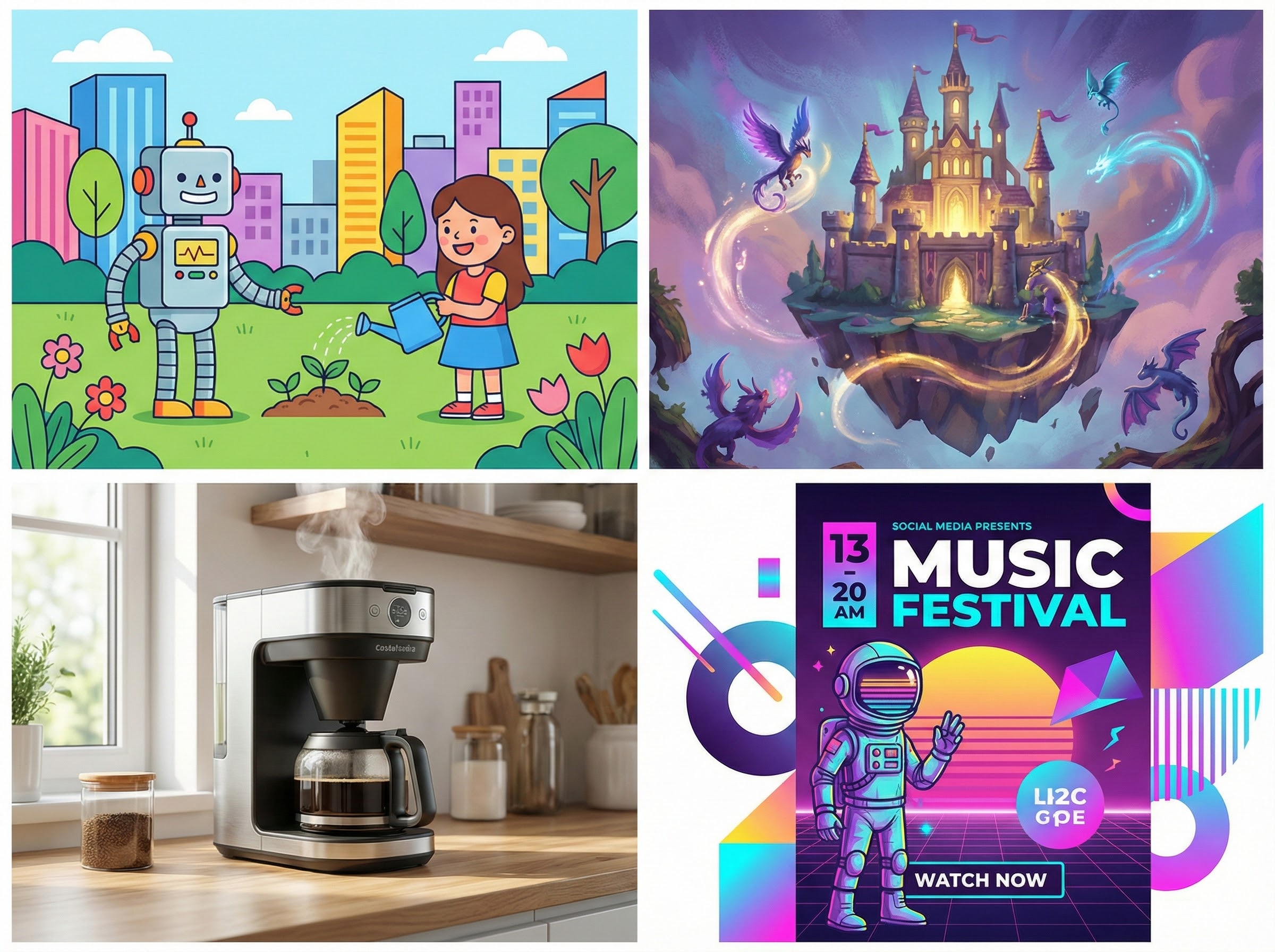
Recommended Free / Freemium Text‑to‑Image Generators (2025)
Here are several of the more capable free or freemium text-to-image generators as of 2025 — including ones with broad features and those optimized for simplicity.
PicYou AI
PicYou AI offers a free tier (with limited features) that supports text‑to‑image generation among other capabilities: image generation, image‑to‑image, style transfer, video generation, and more.
The free plan is described as “ideal for experimentation,” giving access to generation tools (though with restrictions: shared queue, watermark on downloads, limited concurrency).
Strengths: Because PicYou AI bundles not just image generation but also video, style transfer, and various editing tools, it can serve as a “one‑stop creative platform” — useful if you want to produce not only static images but also animated/video content, or refine and stylize images.
Use Cases: Great for social‑media creators, marketers, small businesses, or anyone looking for a quick way to generate visuals (images or video) without a heavy budget or complex setup.
Trade‑offs: As with many freemium tools, free‑tier users face limitations: shared generation queues, watermarked downloads, and likely limits on resolution or concurrent jobs.
In short — PicYou AI stands out among free/freemium tools because of its breadth (image + video + editing + style transfer), which makes it a versatile option for creators who want more than just static images.
Other Notable Free / Freemium Generators
Craiyon (formerly DALL·E Mini) — a very accessible, easy‑to‑use free text‑to‑image generator, often used for quick conceptual sketches or rough art. It’s ideal for brainstorming or casual creative use.
Some newer / smaller web‑based or open‑source tools — there are multiple free (or partly free) online AI‑image generators that allow prompt‑to‑image generation, sometimes with limited credits or watermarking. These tools serve as entry‑points for users to explore AI art without upfront cost.
Note: As always with free tools — quality, resolution, generation speed, and feature completeness vary widely. Many free tools target quick experiments or simple visuals rather than professional‑grade output.
What to Expect — Trade‑offs of Free / Freemium Tools
While free and freemium tools bring benefits, there are downsides and limitations to keep in mind:
Limited features / lower priority — Freemium tools may throttle quality, resolution, concurrency, or processing speed for free users.
Watermarks or usage restrictions — In many cases, downloads from free tiers are watermarked, or the license/usage rights are restricted. (PicYou AI, for instance, provides watermark‑ed downloads for free plan users.)
Reduced control / fewer customization options — Compared with self‑hosted or premium tools, free tools may offer fewer controls over style, resolution, composition, or advanced editing.
Queueing or slower response times — Shared generation queues or limited computational resources can slow down generation for free users.
Thus, while free tools are great for experimentation, basic visuals, or social‑media content — for professional‑grade, high‑volume, or high‑quality needs, paid tiers or more advanced tools may still be necessary.
Which Generator to Use — Based on Your Needs
Here’s a quick guide to help you choose a free/freemium tool depending on your requirements:
Goal / Use Case | Recommended Free/Freemium Tool / Approach |
|---|---|
Quick concept sketches, brainstorming, mood‑boarding | Craiyon, small free‑tier generators |
Social‑media visuals, content creation for blogs or marketing (images or short videos) | PicYou AI (free or freemium), similar tools combining image + video + editing |
Experimentation, style testing, casual art / creative exploration | Freemium web‑based tools, entry-level open‑source tools |
Mixed content needs (static images + video + stylized art) without heavy cost | PicYou AI (because of its multi‑functional features) |
Testing or prototyping ideas before investing in premium tools or full workflow | Any free tool — to test prompts, ideas, styles, compositional concepts |
Why PicYou AI Deserves a Spot in “Free Generator” Lists (Even in 2025)
Including PicYou AI in a “top free generators” list makes sense in 2025 because:
It demonstrates that even “all‑in‑one” platforms (image + video + editing) can offer a free‑tier tier accessible to newcomers and small‑scale users.
It lowers the barrier to multimedia content creation: users who might otherwise need separate tools for images, video, editing — can try a unified workflow without upfront cost.
For creators, marketers, small teams or freelancers, this versatility and ease-of-use offers real value: the ability to generate marketing visuals, social content, thumbnails, quick video clips — all from one platform.
It reflects a broader trend in AI‑creative tooling: accessibility + versatility + freemium models, which democratize creative tools beyond large studios or big budgets.
Conclusion
If you’re looking for cost‑effective, accessible, and flexible ways to generate images from text in 2025 — there are capable free and freemium options. Among them, PicYou AI stands out for combining multiple generation and editing functions (text→image, image→video, style transfer, editing) — making it a compelling choice for creators, social‑media marketers, small businesses, or anyone who wants to experiment without investing heavily.
While free tools come with trade‑offs (quality, limits, watermarks), they remain valuable — especially for brainstorming, concept work, quick social‑media content, or initial experiments. If you plan to publish or scale up, you may still consider upgrading or using more advanced tools — but free tools are a great starting point.
People Also Read

Top Text to Image AI Tools in 2025
In 2025, the ecosystem of text‑to‑image AI tools has become mature and highly diversified.
Learn More

How to Turn Text into Realistic Images
How to Turn Text into Realistic Images
Learn More
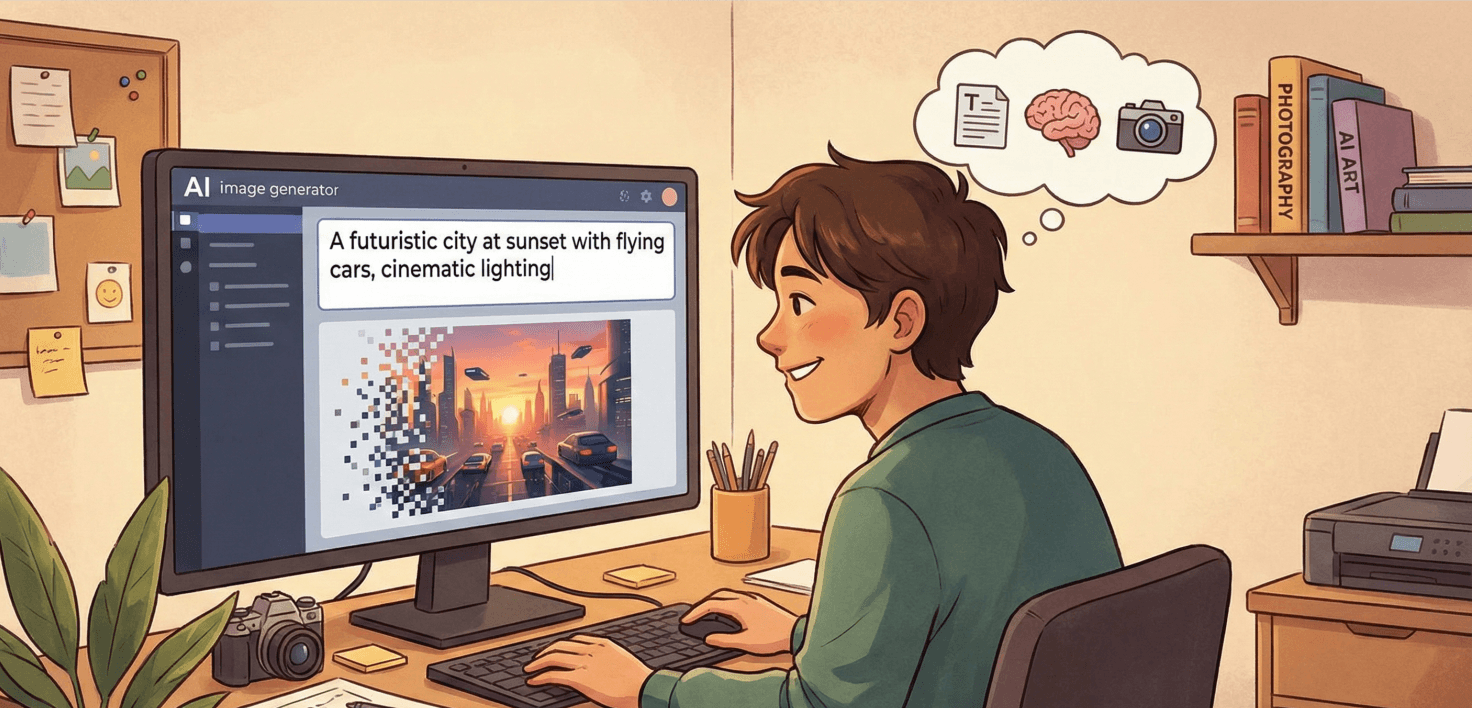
How to Create Photos with AI Text Prompts: A Complete Beginner’s Guide
Artificial intelligence has completely transformed the way we create images.
Learn More