How to Create Photos with AI Text Prompts: A Complete Beginner’s Guide

PicYou
Dec 12, 2025
Artificial intelligence has completely transformed the way we create images. Today, you no longer need a professional camera, a studio setup, or advanced editing skills to produce stunning photos. With AI text-to-image tools, anyone can type a short description—called a text prompt—and instantly generate high-quality, realistic photos.
Whether you’re a marketer, designer, photographer, or total beginner, this guide will teach you how to create amazing photos using simple AI text prompts. We’ll cover how AI works, how to write effective prompts, the best free tools, and expert tips for getting polished, professional-looking results every time.
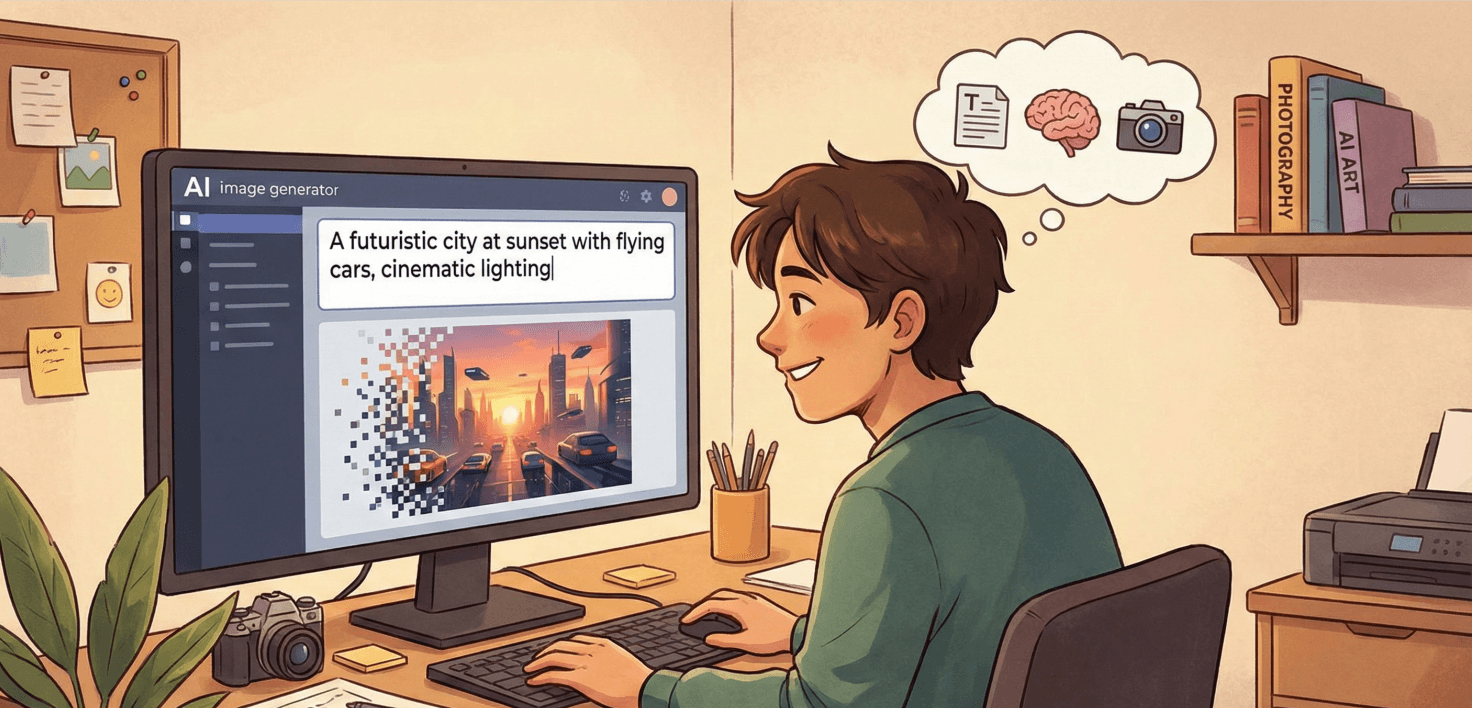
What Are AI Text Prompts?
AI text prompts are written descriptions that instruct an AI model to generate an image. You might type:
“A realistic portrait of a woman smiling in natural sunlight.”
And the AI will turn your words into a fully rendered photo.
AI tools understand:
The subject (person, object, scene)
Style (realistic, cinematic, digital art, etc.)
Lighting
Camera angle
Emotions and atmosphere
Textures and details
Because these models have been trained on billions of images, they’re capable of generating images that look almost like real photographs.
Why Use AI to Create Photos?
AI photo generation is becoming a must-have tool because it’s:
Fast
Generate a full photoshoot–level image in just a few seconds.
Affordable
No camera, lighting, or studio required.
Flexible
Change settings, styles, or details anytime—without reshooting.
Creative
AI helps you explore visual ideas you may not be able to produce in real life.
Beginner-Friendly
If you can type a sentence, you can create a photo.
How AI Converts Text Prompts into Photos
AI text-to-image models follow a simple but powerful process:
Understand Your Prompt
The AI analyzes your words and determines what the image should look like.Break Down Visual Elements
It identifies details like lighting, colors, camera style, textures, and subject focus.Generate the Image
Using diffusion or similar technology, it converts noise into a clear photo.Refine the Result
The AI enhances the final image to match your prompt as accurately as possible.
This is why good prompts matter—your words guide the entire process.
How to Create Photos with AI Text Prompts (Step-by-Step)
Step 1: Choose a Text-to-Image AI Tool
Here are some popular and reliable platforms:
Picyou.ai (excellent for realistic visuals)
Midjourney
DALL·E
Stable Diffusion
Leonardo AI
Ideogram
Each platform has its own strengths, but the prompt writing skills remain the same.
Step 2: Start with a Clear Subject Description
This is the foundation of your photo.
Define what the image is mainly about.
Examples:
“A young woman sitting by a window”
“A luxury perfume bottle on a marble table”
“A landscape with mountains at sunset”
“A cyberpunk-style city street at night”
Avoid vague phrases like “a nice photo”—the AI needs specifics.
Step 3: Add Visual Details
To improve realism, provide details such as:
Clothing or colors
Facial expressions
Textures
Background environment
Style (realistic, cinematic, editorial, macro, etc.)
Lighting direction
Example:
“A smiling woman wearing a beige sweater indoors, soft window light on her face.”
Step 4: Use Photography Terminology
AI understands camera language extremely well. Adding these details improves realism:
50mm portrait lens
f1.8 shallow depth of field
soft natural lighting
studio lighting setup
clean bokeh background
4K resolution
Example:
“Portrait photo shot on a 50mm lens with natural backlight, detailed skin texture.”
Step 5: Add Style Enhancements (Optional)
Use modifiers to boost quality:
“high-resolution”
“ultra-detailed”
“cinematic color grading”
“magazine editorial style”
“photorealistic textures”
Example:
“Ultra-realistic product photo, studio lighting, crisp reflections.”
Step 6: Generate and Refine
Click Generate and evaluate the results.
If something looks off:
Too bright? → “soft lighting”
Too stylized? → “photorealistic”
Too busy? → “minimal clean background”
Facial distortion? → “accurate facial features, high quality portrait”
Small adjustments can improve the outcome dramatically.
Step 7: Upscale for Professional Quality
After generating the photo, enhance it using:
Upscaling (2x, 4x)
Face refinement
Sharpness boost
Noise reduction
Many AI platforms—including Picyou.ai—offer built-in enhancement tools.
Best Prompt Formulas You Can Copy Today
Here are ready-to-use templates for different categories.
1. Portrait Photography
“Ultra-realistic portrait of a [person], soft natural lighting, 50mm lens, shallow depth of field, detailed skin texture, 4K resolution.”
2. Product Photography
“Photorealistic product photo of a [product], clean studio background, professional lighting, sharp details, high quality.”
3. Landscape Photo
“Realistic landscape with mountains and fog, sunrise lighting, rich colors, DSLR photography style.”
4. Fashion Photography
“Editorial fashion portrait, model wearing [clothing], soft shadows, cinematic color tones, high-end magazine style.”
5. Food Photography
“Realistic food photo of [dish], natural lighting, crisp textures, shallow depth of field, appetizing presentation.”
Expert Tips for Better AI Photo Results
1. Keep your prompts simple but descriptive
Avoid 50-word prompts. Short, clear descriptions work best.
2. Describe lighting—it affects realism the most
Try terms like “natural light,” “golden hour,” “studio softbox.”
3. Specify the background
This prevents messy or inconsistent scenes.
4. Use a consistent style for a full set of images
If you're creating product photos, keep lighting and lens settings consistent.
5. Generate multiple versions
AI always gives variations—pick the best one.
Best Free Tools for AI Photo Creation
Picyou.ai
Great for beginners and professionals. Highly realistic output, easy UI, and fast generation.
Stable Diffusion Web
Open-source and customizable.
Bing Image Creator
Free DALL·E-based generator.
Ideogram
Good for text accuracy and graphic-style images.
Final Thoughts
Creating photos with AI text prompts is one of the most powerful creative skills today. Whether you’re building a brand, designing ads, preparing a presentation, or simply exploring your imagination, AI makes visual creation simpler, faster, and more accessible than ever.
With clear prompts, visual detail, and a basic understanding of photography concepts, you can generate high-quality, realistic photos in seconds—no camera required.
People Also Read
How to Create Photos with AI Text Prompts: A Complete Beginner’s Guide
Artificial intelligence has completely transformed the way we create images.
Learn More

How to Turn Text into Realistic Images
How to Turn Text into Realistic Images
Learn More

How to Turn Text into Realistic Images: The Complete Beginner’s Guide
In recent years, AI image generation has evolved from a fun experiment into a powerful creative tool used by designers,
Learn More