How to Use a Prompt List for Nano Banana to Generate High-Quality Images

PicYou
Dec 19, 2025

As AI image generation becomes a core tool for creators, marketers, and designers, one thing is increasingly clear in 2025: the quality of your prompts directly determines the quality of your images. Even with powerful models like Nano Banana, random or poorly structured prompts often lead to inconsistent results.
That’s why learning how to use a prompt list for Nano Banana is essential if you want to generate high-quality, consistent, and professional AI images. In this guide, we’ll break down the complete workflow—from understanding prompt lists, to applying them step by step, to scaling results using Nano Banana Pro on picyou.ai.
Whether you’re a beginner or an advanced user, this article will help you turn prompts into a repeatable creative system.
What Is a Prompt List for Nano Banana?
A prompt list is a curated collection of pre-tested prompts designed for specific use cases, styles, or goals. Instead of writing a new prompt from scratch every time, you start with a proven structure and customize it.
For Nano Banana, prompt lists work especially well because the model excels at:
Interpreting structured language
Following clear visual instructions
Maintaining composition and lighting consistency
Producing realistic textures and details
On platforms like picyou.ai, many creators rely on prompt lists to generate images for blogs, landing pages, ads, product mockups, and social media—quickly and at scale.
Why Prompt Lists Matter for High-Quality Images
If you’ve ever felt that AI image results are “hit or miss,” the issue is usually not the model—it’s the prompt.
Using a prompt list helps you:
Avoid vague descriptions
Maintain consistent visual style
Reduce regeneration attempts
Save time and creative energy
Achieve professional-grade results
With Nano Banana Pro on picyou.ai, prompt lists become even more powerful because the platform enhances prompt understanding, style control, and layout accuracy.
Step 1: Understand the Core Prompt Structure
Before using any prompt list, you should understand the basic structure that Nano Banana responds to best.
A high-quality Nano Banana prompt usually includes:
Subject – Who or what is in the image
Style – Photography, illustration, cinematic, anime, etc.
Environment – Background or setting
Lighting – Natural light, studio light, dramatic shadows
Mood / Tone – Emotional or visual atmosphere
Quality Modifiers – Realistic, ultra-detailed, cinematic, 4K
Example Basic Structure
Ultra-realistic portrait of a young woman, soft natural lighting, shallow depth of field, professional photography, cinematic mood
Prompt lists already contain this structure—you simply adapt it to your needs.
Step 2: Choose the Right Prompt List Category
Not all prompts serve the same purpose. To generate high-quality images, you need to pick prompts based on your goal.
Common Nano Banana prompt list categories include:
Portrait & character prompts
Scene & environment prompts
Art style prompts
Marketing & commercial prompts
Creative & cinematic prompts
On picyou.ai, users often organize prompt lists by project type—SEO blog images, social ads, brand visuals, or UI mockups—making production much faster.
Step 3: Customize the Prompt (Don’t Just Copy)
A common mistake is copying a prompt word-for-word and expecting perfect results every time. Prompt lists are templates, not final answers.
Here’s how to customize effectively:
Change clothing, age, or gender for portraits
Adjust environment (studio → outdoor → city)
Modify lighting (soft → dramatic → neon)
Add camera angles (close-up, wide-angle, macro)
Example Customization
Original prompt from a list:
Cinematic portrait of a confident man, dramatic lighting, dark background
Customized version:
Cinematic portrait of a confident Asian man in a modern suit, dramatic side lighting, dark studio background, film-style color grading, ultra-realistic
This small customization significantly improves image relevance and quality.
Step 4: Use Nano Banana Pro on picyou.ai for Better Results
While Nano Banana works well on many platforms, picyou.ai offers a major advantage through Nano Banana Pro.
Why Nano Banana Pro Improves Image Quality
Enhanced prompt interpretation
Better control over composition and typography
Cleaner outputs with fewer artifacts
More consistent results across generations
Optimized for commercial and marketing visuals
If you’re generating images for SEO articles, landing pages, ads, or branding, Nano Banana Pro on picyou.ai helps ensure your visuals look polished and professional—not generic.
Step 5: Apply Prompt Lists to Real Use Cases
Let’s look at how prompt lists are used in real scenarios.
1. SEO Blog Images
For blog posts, you want images that are:
Clean and relevant
Visually appealing but not distracting
Consistent across articles
Example prompt:
Modern AI image generation concept illustration, futuristic workspace, clean composition, soft lighting, professional digital art style
Many SEO-focused creators use picyou.ai to generate consistent blog imagery across hundreds of posts using saved prompt lists.
2. Marketing & Advertising Visuals
Marketing images require strong composition and emotional impact.
Example prompt:
Lifestyle product photography, natural lighting, modern environment, premium brand aesthetic, ultra-realistic
Nano Banana Pro excels at these prompts, making it ideal for e-commerce and ad creatives.
3. Character & Storytelling Content
For storytelling, prompts need emotional depth.
Example prompt:
Cinematic scene of a female character standing alone in a modern city at night, dramatic lighting, emotional mood, high realism
Prompt lists help maintain visual continuity when generating multiple scenes or characters.
Step 6: Save, Reuse, and Build Your Own Prompt Library
The most successful creators don’t rely on a single prompt list—they build their own prompt library over time.
On picyou.ai, this process usually looks like:
Start with a curated prompt list
Test variations using Nano Banana Pro
Save high-performing prompts
Group them by use case (SEO, ads, social, branding)
Over time, you create a personal system that delivers high-quality images consistently.
Common Mistakes to Avoid
Even with a good prompt list, these mistakes can hurt quality:
Being too vague (“nice image,” “cool style”)
Overloading prompts with unnecessary keywords
Ignoring lighting and composition
Not customizing prompts for the project
Switching styles randomly across a series
Prompt lists help reduce these issues—but only if you use them thoughtfully.
Final Thoughts
Learning how to use a prompt list for Nano Banana to generate high-quality images is one of the most valuable skills you can develop in 2025. Prompt lists turn AI image generation from trial-and-error into a repeatable, scalable workflow.
When combined with Nano Banana Pro on picyou.ai, prompt lists become even more powerful—giving you better consistency, cleaner outputs, and professional results suitable for real-world use.
People Also Read

Best Prompt List for Nano Banana in 2025
In this article, we’ll explore the best prompt list for Nano Banana in 2025, explain why prompt
Learn More

Prompt List for Nano Banana: 100+ Ready-to-Use Prompts for AI Image Generation
Prompt List for Nano Banana: 100+ Ready-to-Use Prompts for AI Image Generation
Learn More
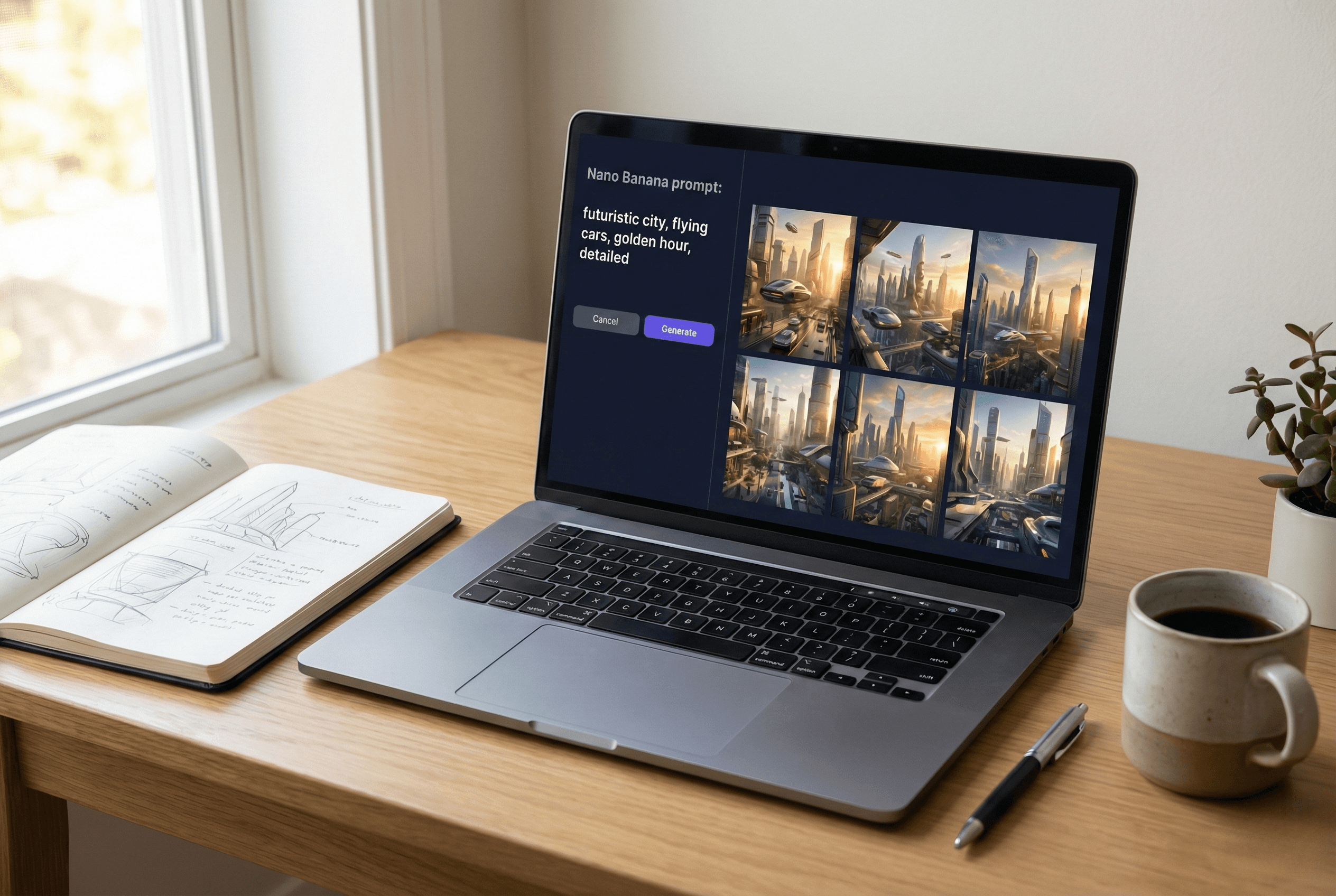
How to Write Effective Nano Banana Prompts for AI Image Generation
One of the most talked-about prompt approaches right now is called the Nano Banana prompt
Learn More