How to Write Effective Nano Banana Prompts for AI Image Generation

PicYou
Dec 16, 2025
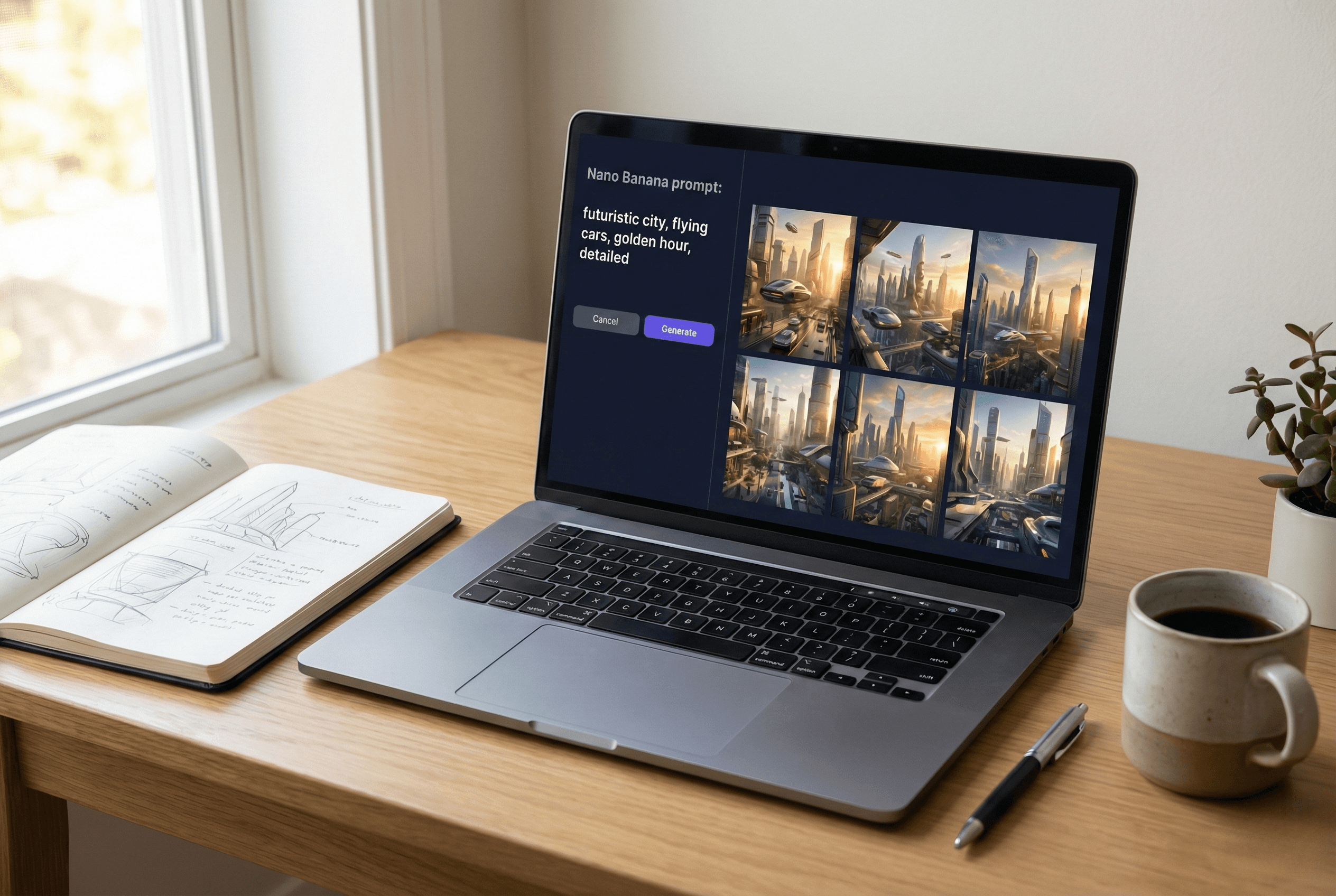
In 2026, AI image generation tools have become incredibly powerful — enabling creators to generate stunning visuals simply by describing what they want. One of the most talked-about prompt approaches right now is called the Nano Banana prompt — a structured prompting technique that helps users get more accurate, expressive, and consistent results from their AI models.
Whether you’re a digital artist, brand content creator, or hobbyist experimenting with AI art, learning how to write effective Nano Banana prompts can dramatically improve the quality of your images. In this guide, we’ll break down what Nano Banana prompting is, why it works, and how to craft prompts that generate amazing visuals — including how tools like PicYou AI can be used alongside this method.
What Is a Nano Banana Prompt?
A Nano Banana prompt is a highly structured input designed to give an AI image generator a clear and detailed set of instructions. Unlike casual or loosely written prompts, Nano Banana prompts emphasize precision — specifying everything from subject and style to composition, lighting, details, and even what should not appear in the image.
Creators use Nano Banana prompts to speed up the workflow and achieve consistent, production-ready visuals, particularly in professional design and creative workflows. The concept is supported by dedicated prompt libraries where users can browse hundreds of prompt cases and examples to adapt their own.
Key elements typically include:
Subject description — the main object, person, character, or scene
Environment / context — where and how the subject exists
Style and medium — photorealistic, illustration, 3D render, etc.
Composition and camera details — angles, framing, depth
Lighting and texture details
Positive and negative instructions — what to include or avoid
When these parts are combined effectively, AI image models understand intent much more precisely, producing visuals that are both technically strong and visually compelling.
Why Structured Prompts Yield Better Results
With early AI image models, simple prompts like “a cat on a rooftop” might give acceptable results. But as users expect more nuanced, high-quality art — like a “cinematic portrait of a Maine Coon cat with golden hour light and shallow depth of field” — prompt precision becomes crucial.
According to user guides and prompt libraries, well-structured prompting helps in several ways:
Consistency — output looks closer to what you envision.
Repeatability — same style across multiple images.
Control — eliminates common AI errors like unwanted objects or awkward anatomy.
Versatility — works across use cases (character design, product shots, fantasy landscapes, etc.)
Because Nano Banana prompting places importance on clarity and detail, it often leads to results that look closer to production-ready art — reducing the need for extensive post-editing.
Step-by-Step Guide to Writing Effective Nano Banana Prompts
Here’s a practical approach you can follow when crafting prompts for AI image generation:
1. Start With Your Subject
Define exactly what you want the AI to generate. Not just “a car,” but:
“A sleek black electric sports car, reflective finish, parked on a rain-wet neon street at dusk” — this tells the AI precise details it needs.
Include the object’s appearance, colors, and key properties.
2. Add Environment and Context
Where is your subject? Is it indoors, outdoors, urban, fantasy land?
“Neon reflections, puddles, misty background, bustling city skyline in soft focus” — environmental cues shape mood and realism.
Good context gives clues about lighting and atmosphere.
3. Specify Style or Artistic Direction
Now tell the model how to render the scene:
Photorealistic
Cinematic
Cartoon / Illustration
3D render
Watercolor / oil painting
For instance:
“Cinematic 3D render, wide-angle street view, glowing neon colors, cinematic lighting” — style direction helps choose color, texture, and finish.
4. Add Composition and Camera Details
Think like a photographer. These details are incredibly powerful:
“Low angle perspective, shallow depth of field, focus on foreground car with background blur.”
This makes the prompt more precise and visually guided.
5. Include Lighting & Material Details
Lighting can make or break an image:
“Golden hour highlights, rim lighting on edges, subtle reflections on wet pavement.”
Textures and material interaction with light improve realism.
6. Add Negative Prompts
Negative prompts specify what not to include — e.g., no text overlays, no watermarks, no distortions — to avoid common AI artifacts.
Nano Banana Prompt Examples You Can Try
Below are some practical Nano Banana prompt examples to inspire your next generation:
Photorealistic Scene
Fantasy Landscape
Portrait Illustration
Each prompt combines clear subject definition with environmental, stylistic, and compositional cues essential for high-quality AI outputs.
How PicYou AI Complements Nano Banana Prompting
While Nano Banana prompting is a powerful method for precise AI image creation, you also need the right tools to bring those prompts to life. PicYou AI is a versatile text-to-image generation platform — especially useful if you want to experiment with detailed Nano Banana prompts without complex technical setup.
PicYou AI supports natural-language prompting and also offers advanced features such as image-to-image editing, style transfer, and enhancement tools. This makes it a great companion when you want to:
Quickly test Nano Banana prompts in different styles
Refine generated images using PicYou AI’s editing tools
Combine prompt generation with image refinement workflows
Using Nano Banana prompting alongside PicYou AI’s flexible platform lets you create stunning visuals without needing programming or deep AI expertise, making AI art more accessible to creators across fields.
Tips for Getting the Best Results
Be specific and detailed — AI responds best to clear instructions.
Test variations — Slight wording changes can produce different and better outcomes.
Document successful prompts — Build your own personalized prompt library.
Use negative prompts to reduce unwanted artifacts.
Consistent experimentation and refinement improve results over time.
Conclusion
Nano Banana prompting is more than a trend — it’s a structured way to communicate with AI models to generate highly specific and professional-quality visuals. By focusing on subject, context, style, composition, lighting, and detailed descriptors, you can create more predictable and striking results than with generic prompts.
Pairing this approach with a flexible image tool like PicYou AI lets you turn detailed text prompts into beautiful visuals without a steep learning curve. Whether you are creating branding artwork, cinematic scenes, or artistic concepts, mastering Nano Banana prompts will unlock a new level of creative control in AI image generation.
People Also Read

Top Nano Banana Prompt Examples to Generate Amazing AI Visuals in 2026
Among the most talked-about techniques today are Nano Banana prompts
Learn More

Nano Banana Prompt Guide: How to Write Better AI Prompts for Stunning Images
The Nano Banana prompt technique is gaining traction among creators because it emphasizes precision
Learn More
Best Prompt List for Nano Banana in 2025
In this article, we’ll explore the best prompt list for Nano Banana in 2025, explain why prompt
Learn More