The Best 10 AI Video Generators in 2026

PicYou
Dec 12, 2025
AI-powered video generation has evolved from experimental novelty into a mainstream content creation tool. In 2026, creators, marketers, educators, and brands are using these tools to produce compelling videos — from social shorts to explainer clips, training modules to cinematic visuals — without ever needing traditional cameras or editing suites.
This guide breaks down the top 10 AI video generators you should consider in 2026, helping you choose the right one based on quality, ease of use, creative control, and pricing.
What to Look for in an AI Video Generator
Before diving into the list, let’s clarify key criteria you should consider:
Output Quality – Does the tool produce crisp, realistic, or stylized video that fits your needs?
Ease of Use – Is there an intuitive UI and simple workflow for beginners?
Text-to-Video Capabilities – Can you generate video directly from a written prompt?
Audio / Voice Features – Does the generator support AI-generated voiceovers, lip-sync, or native sound?
Templates & Editing – Are there built-in templates, editing options, or collaborative tools?
Pricing & Freemium Options – Is there a free tier or affordable pricing for creators and businesses?
1. Colossyan – Best Overall AI Text-to-Video Generator
Colossyan consistently ranks top for 2026 due to its broadcast-quality output and comprehensive feature set. It combines photorealistic AI avatars, accurate lip-sync across 80+ languages, and collaboration tools — making it ideal for training videos, team projects, and enterprise content. Unlike basic generators, Colossyan is built for professional workflows.
Best for: Corporate training, explainer videos, multilingual content.
2. Google Veo (Veo 3) – Realism & Professional Output
Google Veo — now in iteration Veo 3 — stands out for cinematic realism and motion fidelity, especially when combined with audio generation and native lip-sync. Its professional features and ability to stitch scenes with fluid motion make it ideal for higher-end content.
Best for: Cinematic marketing videos, realistic scenes, professional storytelling.
3. OpenAI Sora – Creative Text-to-Video Generation
OpenAI’s Sora lets you generate entire video clips directly from text prompts — including visual and audio content. While early versions had limitations on human likeness generation, newer iterations aim for broader creative capabilities, especially for animated or stylized video content.
Best for: Concept videos, animated shorts, creative projects.
4. Runway Gen-4 – Ideal for Filmmakers & Visual Artists
Runway’s Gen-4 AI model brings powerful video creation from text prompts and reference images. Released in 2025, it offers users detailed control over scenes and creative workflows. Its transformer-based architecture enables vivid, coherent motion generation suited for artistic storytelling.
Best for: Filmmakers, concept artists, experimental video creators.
5. HeyGen – User-Friendly & Flexible Video Tool
HeyGen is often highlighted for its ease of use and flexible video creation workflows, including AI avatars and modular scene options. It’s a great pick if you need polished videos quickly without deep technical expertise.
Best for: Small businesses, social-media clips, quick marketing videos.
6. Synthesia – Professional AI Avatar Video Maker
A long-standing leader in AI avatar video generation, Synthesia offers dozens of realistic avatars and voice options. It’s perfect if your videos feature virtual presenters, tutorials, or internal corporate content.
Best for: Training videos, corporate presentations, multilingual content.
7. Descript – Voice-First AI Video Editing
Descript combines powerful video editing with AI generation — including voice cloning and transcription — making it ideal for creators who want both script-to-video and editing flexibility. It’s a strong choice for long-form content or repurposing podcasts and lectures into video.
Best for: Repurposing long-form content, editing + generation workflows.
8. Revid AI – Streamlined Content Repurposing
Platforms like Revid AI focus on automating content transformation — converting articles, podcasts, and long videos into short, social-ready clips. Its AI automation handles trimming, styling, and scheduling, which can greatly speed up content pipelines.
Best for: Social clips, repurposed content, automated workflows.
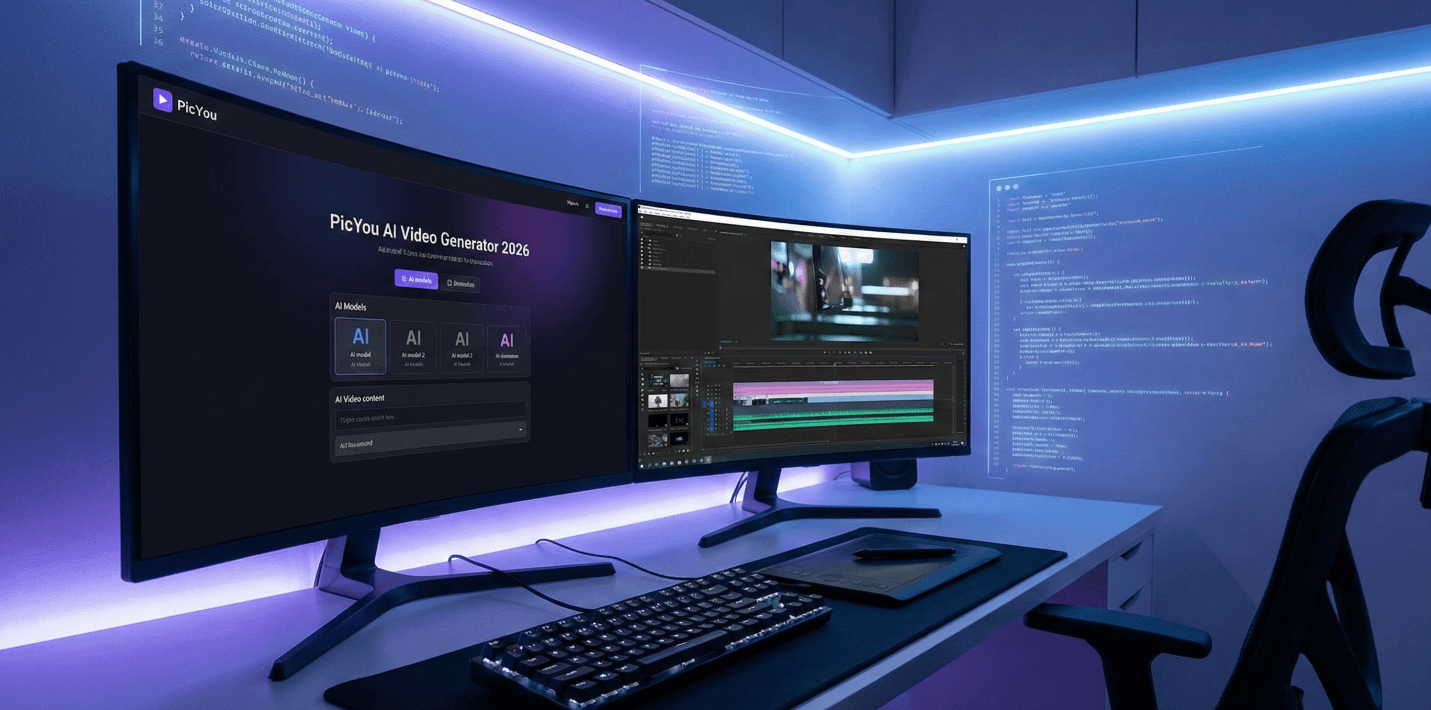
9. PicYou AI – All-In-One Video & Image Generator
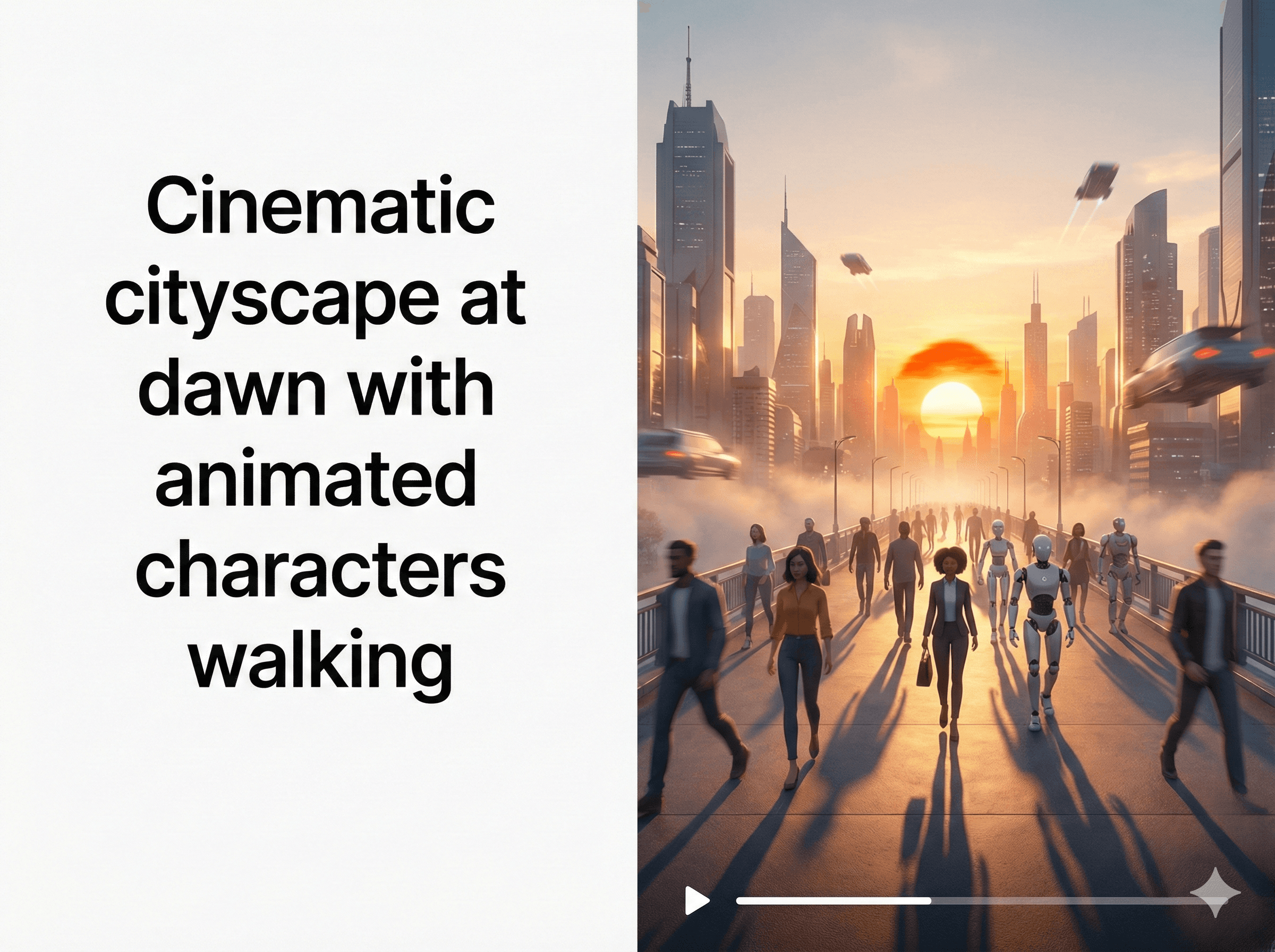
PicYou AI isn’t just a still image generator — it also provides AI-powered video generation directly from text prompts or images. With features like dynamic storytelling, visual elements, and frames enhancement, PicYou AI bridges traditional video editors and AI generators, offering a balance of ease and power.
What makes PicYou AI compelling in 2026 is its “one tool for many creative needs” approach — enabling creators and small teams to experiment with text-to-video, image-to-video, and mixed media projects without jumping between platforms.
Best for: Creators, marketers, educators, and social content producers who want a flexible, versatile AI video solution.
10. InVideo AI & Kapwing – Hybrid Editing + AI Generation
Tools like InVideo AI and Kapwing mix traditional video editing with AI generation features — from script-to-video conversion to template-driven assembly. These hybrid platforms are excellent for users who want the familiarity of editing timelines but boosted by AI automation.
Best for: Content creators with editing experience seeking AI-assisted production.
How to Choose the Right AI Video Generator for Your Needs
Here’s a quick guide to help you pick based on your goals:
Goal / Use Case | Best Tool Type | Recommended Options |
|---|---|---|
Professional marketing / realism | High-quality text-to-video & avatars | HeyGen, Veo, Synthesia |
Creative / concept art / experimental | Artistic output & flexibility | Sora, Runway Gen-4 |
Repurposing existing content | Automated workflows | Revid AI, Descript |
All-in-one visuals (photo + video) | Broad creative tool | PicYou AI |
Hybrid editing + AI features | Editing + generation | InVideo AI, Kapwing |
Tips for Getting the Best Results in 2026
Use detailed prompts: Specify scene, motion, characters, environment, and mood.
Include audio instructions: If the tool supports voiceovers, add tone, language, and style details.
Test across tools: The same prompt may produce wildly different results — comparison helps you pick the best output.
Check licensing: Some tools offer commercial rights; always verify for brand work or monetization.
Optimize resolution & format: Choose appropriate export settings for platforms like TikTok, YouTube, or LinkedIn.
Final Thoughts
AI video generation in 2026 has become a powerful complement to traditional content creation workflows. From studio-quality outputs to quick social shorts, there’s a tool for every creator — whether you’re a marketer, educator, filmmaker, or aspiring influencer.
Among the top choices, PicYou AI stands out for its versatility and ease of integration into mixed creative workflows, especially for creators who want both image and video generation without the complexity of multiple subscriptions.
People Also Read

Top Free AI Video Generator Online Tools in 2025
AI video generation has rapidly transformed how creators, marketers, educators,
Learn More

Top Free AI Text to Video Generators Online in 2025
In 2025, creating videos from text prompts with artificial intelligence has become easier
Learn More
The Best 10 AI Video Generators in 2026
AI-powered video generation has evolved from experimental novelty into a mainstream content creation tool.
Learn More