How to Create Engaging Videos from Images: A Beginner’s Guide

PicYou
Nov 20, 2025
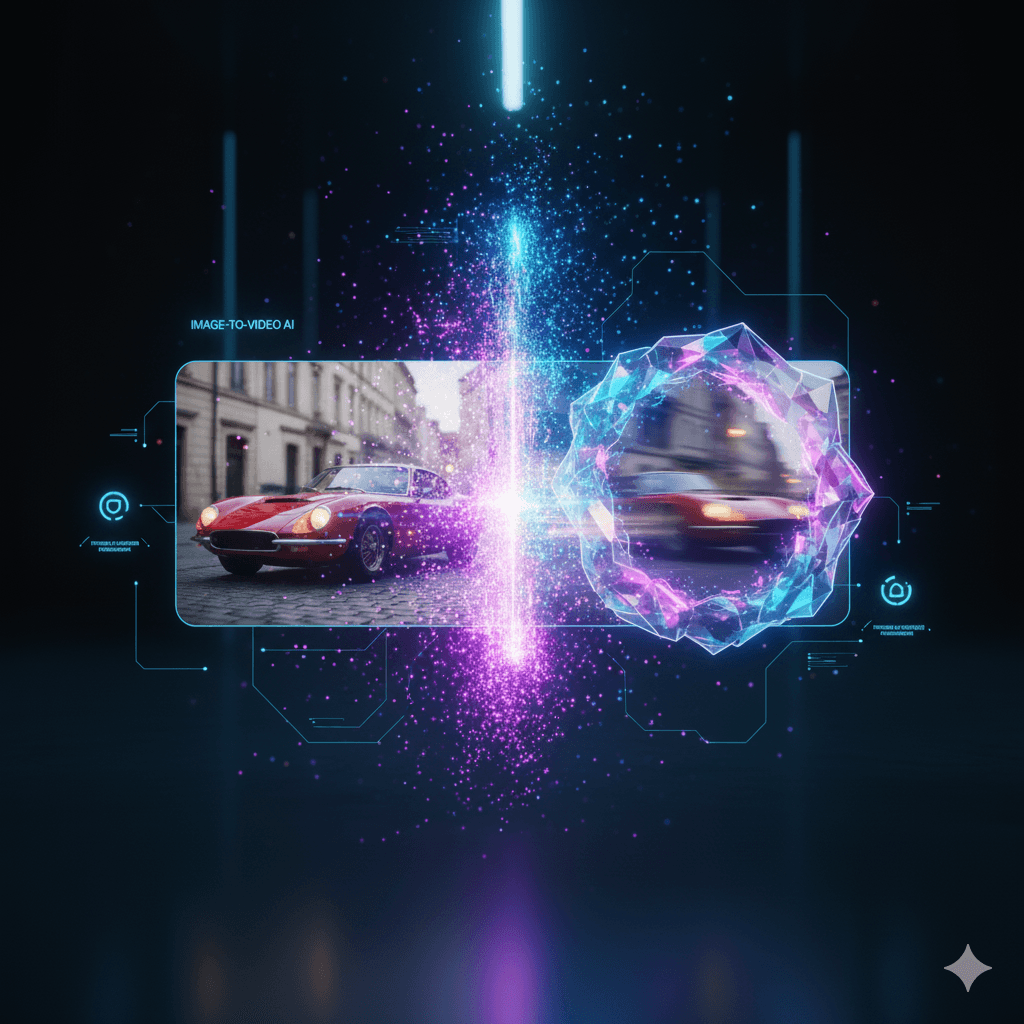
Turning a set of still photos into an engaging video is one of the easiest ways to make your content more dynamic—whether you’re creating social media posts, marketing materials, product showcases, tutorials, or personal slideshows. And thanks to modern AI tools, even beginners can transform images into high-quality videos in minutes without editing experience.
This beginner’s guide walks you through everything you need to know: how the process works, the tools you can use, and step-by-step instructions to help you create smooth, professional videos from any image.
Why Turn Images into Videos?
Image-to-video creation has become popular because:
1. Videos Perform Better on Every Platform
Social platforms prioritize video, meaning more reach, more engagement, and higher click-through rates.
2. Videos Tell Better Stories
Transitions, animations, and effects help create emotional flow that static photos can’t achieve.
3. AI Makes It Easy for Beginners
Modern image-to-video AI tools require zero video-editing experience. Upload an image → choose a style → generate.
4. Perfect for Content Creators & Marketers
Great for:
product showcases
reels/TikTok content
YouTube intros
event highlights
travel or lifestyle vlogs
brand storytelling
What You Need Before You Start
Before creating your video, prepare:
High-quality images
Clear, detailed photos lead to better animation results.
A video concept
Examples:
Product demo video
Before-and-after transformation
Character animation
Aesthetic slideshow
A simple script or storyline
Even 3–4 sentences help your video flow smoothly.
Best Tools for Creating Videos from Images (Beginner-Friendly)
Here are three great tools you can use—even with zero editing skills:
1. Picyou.ai (Best for AI Motion & Cinematic Effects)
Upload an image
Select an animation style
Generate realistic movement instantly
Ideal for portrait, product, and cinematic scenes

2. CapCut (Best for Templates & Social Media)
Drag-and-drop templates
Ready-made transitions
Great for TikTok/Reels users
3. Canva (Best for Slideshows & Simple Edits)
Add photos
Choose transitions
Export easily
Beginner-friendly interface
How to Create Engaging Videos from Images (Step-by-Step Guide)
Step 1: Choose Your Best Images
Select 3–10 high-quality images that match your theme.
Keep them consistent in:
lighting
visual style
orientation (all portrait or all landscape)
Step 2: Pick a Video Style
Think about what feeling you want to create:
Cinematic (slow, dramatic movement)
Trendy (fast-paced transitions)
Professional (clean, minimal animations)
AI-animated (makes the subject move realistically)
Tools like Picyou.ai offer preset motion styles that automatically animate the image content.
Step 3: Add Transitions & Motion
Great videos use motion:
smooth pans
zoom-in/zoom-out
parallax effects
AI animation
If using AI tools, the software will animate the subject for you—perfect for beginners.
Step 4: Add Text or Captions
Keep text short and readable.
Use:
bold headings
2–3 lines per screen
strong keywords if it's for marketing
Step 5: Add Audio or Background Music
Choose music that matches your video’s energy.
Make sure you have commercial rights if using it for business.
Step 6: Export in the Right Format
Most platforms use:
MP4 (recommended)
1080p or 4K for best quality
9:16 for TikTok, Reels, and Shorts
16:9 for YouTube
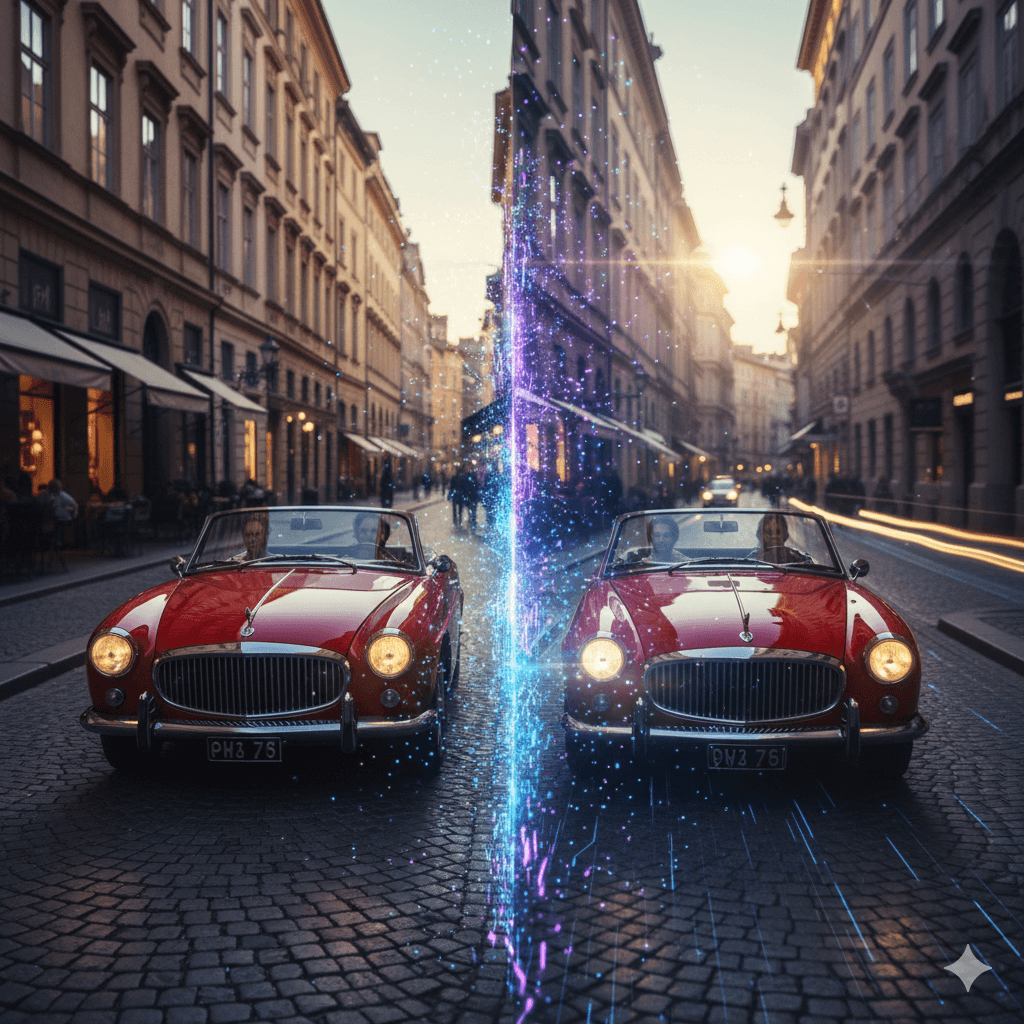
Tips for Creating More Engaging Videos
1. Use Consistent Colors & Fonts
This makes your video look professional.
2. Keep Scenes Short (1–3 seconds)
Most viewers prefer fast pacing.
3. Add Emotional or Motivational Elements
Even simple lines like “Dream big” can increase engagement.
4. Focus on Storytelling
Even a 10-second video can tell a story if planned well.
5. Test Different Styles
AI tools allow you to generate multiple variants—use this to your advantage.
Common Mistakes Beginners Should Avoid
Using too many random images
Adding too many different fonts
Choosing overly fast transitions
Poor-quality or pixelated images
Ignoring storytelling
Avoid these mistakes to instantly level up your video quality.
Conclusion
Creating engaging videos from images is now easier than ever. Whether you’re a beginner, a marketer, or a creator, AI-powered and beginner-friendly tools allow you to turn simple photos into high-impact videos with minimal effort.
By selecting strong images, using modern tools like Picyou.ai, planning your storytelling, and adding simple animations, you can produce videos that stand out on any platform.
People Also Read
How to Use AI to Transform Static Images into Dynamic Videos
Turning a single photo into a dynamic video used to require professional editing skills
Learn More
How to Turn Your Photos into Stunning Videos in Just a Few Steps
How to Turn Your Photos into Stunning Videos in Just a Few Steps
Learn More
How to Convert Images into High-Quality Videos Using Free Tools
Turning static images into high-quality videos has become easier than ever
Learn More