How to Use AI to Transform Static Images into Dynamic Videos

PicYou
Nov 20, 2025
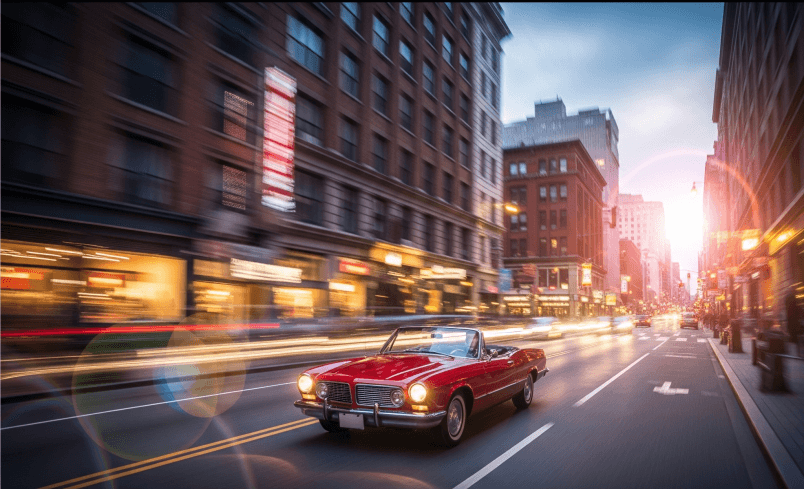
Turning a single photo into a dynamic video used to require professional editing skills—but AI has completely changed that. With today’s powerful image-to-video models, anyone can animate still images, add motion, and generate cinematic clips in just a few clicks.
In this guide, you’ll learn how AI transforms static images into moving videos, the tools you can use, and practical tips to achieve the best results—even if you’re an absolute beginner.
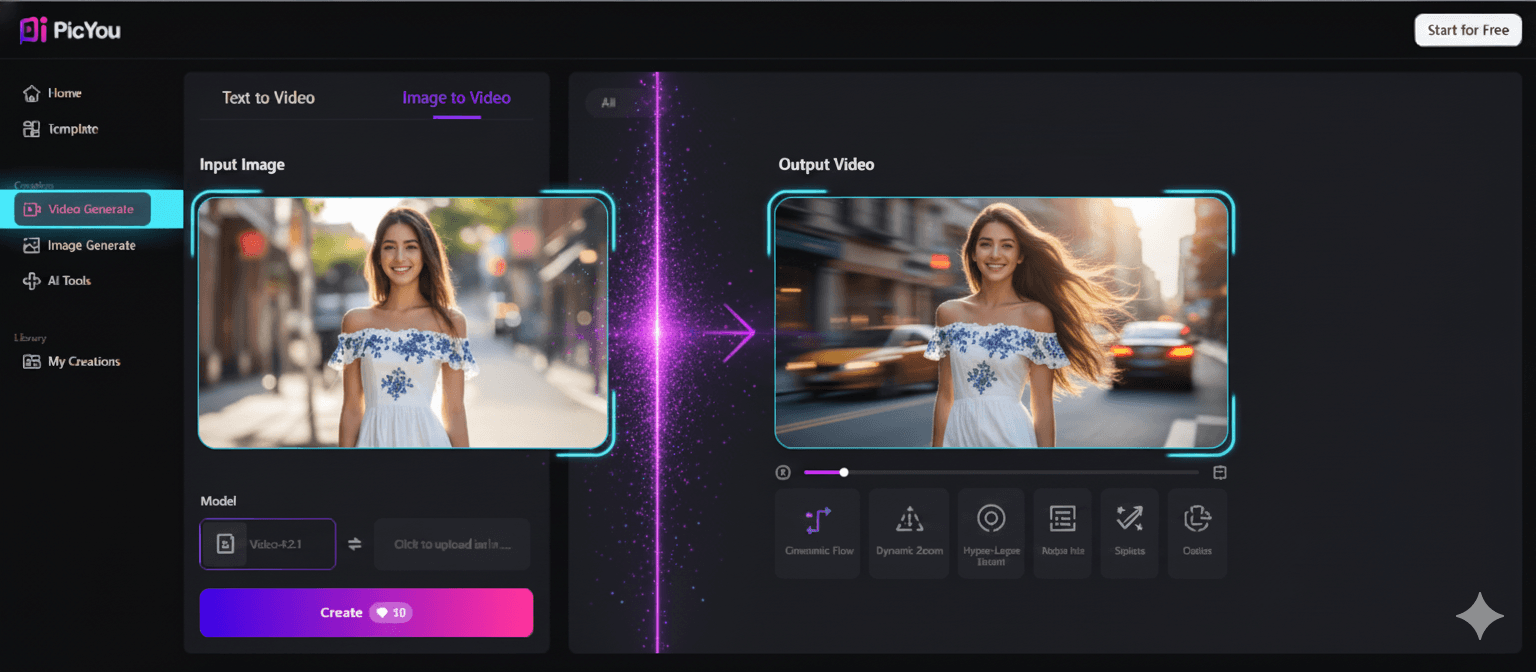
1. What Is AI Image-to-Video?
AI image-to-video technology uses deep learning models to analyze a still image and predict how elements in the image might move in real life. It can:
Add camera motion (zoom, pan, tilt)
Animate hair, clothes, water, or background elements
Turn a portrait into a talking, blinking, or moving video
Create cinematic storytelling sequences from a single frame
Produce short clips in 1080p or even 4K
This makes it ideal for:
Social media content
Marketing materials
Dramatic short videos
Photo animations for TikTok, YouTube Shorts, Instagram Reels
Creative storytelling
2. Best Free AI Tools to Convert Images into Videos
Here are the most beginner-friendly tools available today:
Picyou AI (Image → Video)
Upload a photo
Choose animation style (Cinematic, Parallax, Motion Camera, 3D)
Generate a video in seconds
Supports faces, products, landscape photos
Runway ML – Motion Brush
Animate specific parts of your image
Add direction and speed
Great for artistic and cinematic clips
CapCut AI Photo Animator
Free and mobile-friendly
Adds talking animation or camera motion
LeiaPix Converter
Creates 3D motion animation from portraits and landscapes
These tools make AI-powered animation accessible even for beginners.
3. Step-by-Step: How to Turn an Image into a Video
Step 1: Choose a High-Quality Image
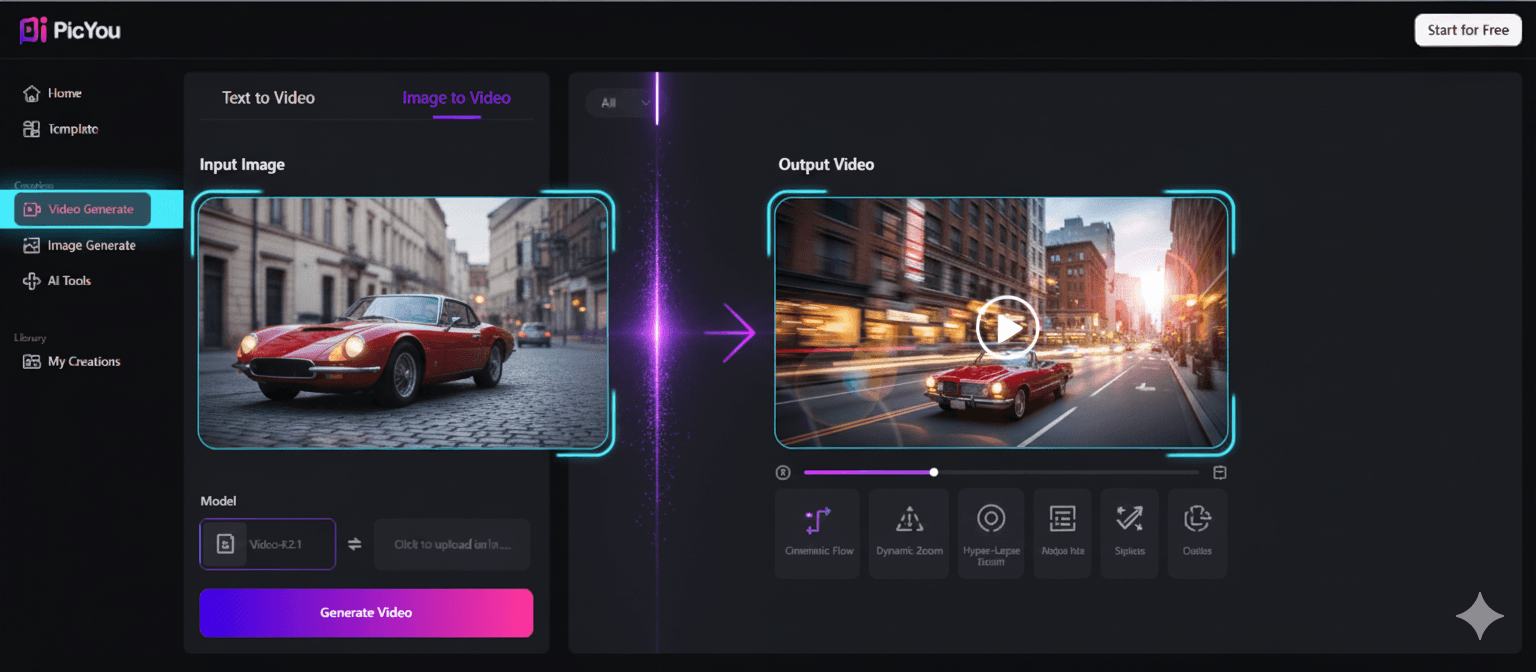
Use sharp, well-lit images, ideally:
Portrait photos
Landscapes
Product images
Cinematic shots
Avoid blurry or low-resolution images, which reduce video quality.
Step 2: Upload the Image to the AI Tool
Most AI tools accept:
JPG
PNG
WebP
Higher resolution = better final result.
Step 3: Select Your Animation Style
Common AI video animation styles include:
Cinematic Camera Motion
Parallax / 3D Depth Movement
Portrait Animation (face movements)
Full-scene Motion
AI Art & Stylized Animation
Choose based on the type of content you want:
For emotional storytelling → cinematic camera motion
For product shots → parallax depth effect
For speaking portraits → face animation
Step 4: Adjust Video Settings
Most tools allow:
Duration (3–10 seconds)
Motion intensity
Camera direction
Background enhancement
Tip: Subtle movement looks more natural.
Step 5: Generate and Download Your Video
The AI processes your image (usually 5–30 seconds), and you can:
Export in MP4
Choose 1080p or 4K
Add music or captions for social media
Done — your still image is now a dynamic, engaging video!
4. Tips for Creating the Best AI Image Videos
Use high-contrast, clear images
Helps models detect edges and depth.
Avoid cluttered backgrounds
Cleaner images create smoother movement.
Add subtle motion
Overly strong motion can look artificial.
Use cinematic lighting
Dramatic shadows make animations more realistic.
Test multiple styles
Different tools may produce very different results.
5. Why Use AI for Image-to-Video Creation?
Faster than manual editing
Traditional animation often takes hours—AI finishes in seconds.
Ideal for content creators
Perfect for TikTok, IG Reels, and YouTube Shorts.
Free or low-cost
Many tools provide free exports.
High-quality cinematic results
Even beginners can create professional animations.
6. Final Thoughts
AI makes it incredibly easy to transform any static image into a dynamic, cinematic video. Whether you’re enhancing personal photos, creating marketing assets, or producing short-form content, image-to-video AI opens up a world of creative possibilities.
Start with a clear, high-quality image and experiment with different motion styles to find your preferred look. With just a few clicks, your photo can come to life beautifully.
People Also Read
How to Convert Images into High-Quality Videos Using Free Tools
Turning static images into high-quality videos has become easier than ever
Learn More

How to Turn Text into Realistic Images
How to Turn Text into Realistic Images
Learn More
How to Edit Images and Create Professional Videos with Simple Tools
Creating polished images and professional-looking videos no longer requires expensive
Learn More