How to Turn Your Photos into Stunning Videos in Just a Few Steps

PicYou
Nov 19, 2025
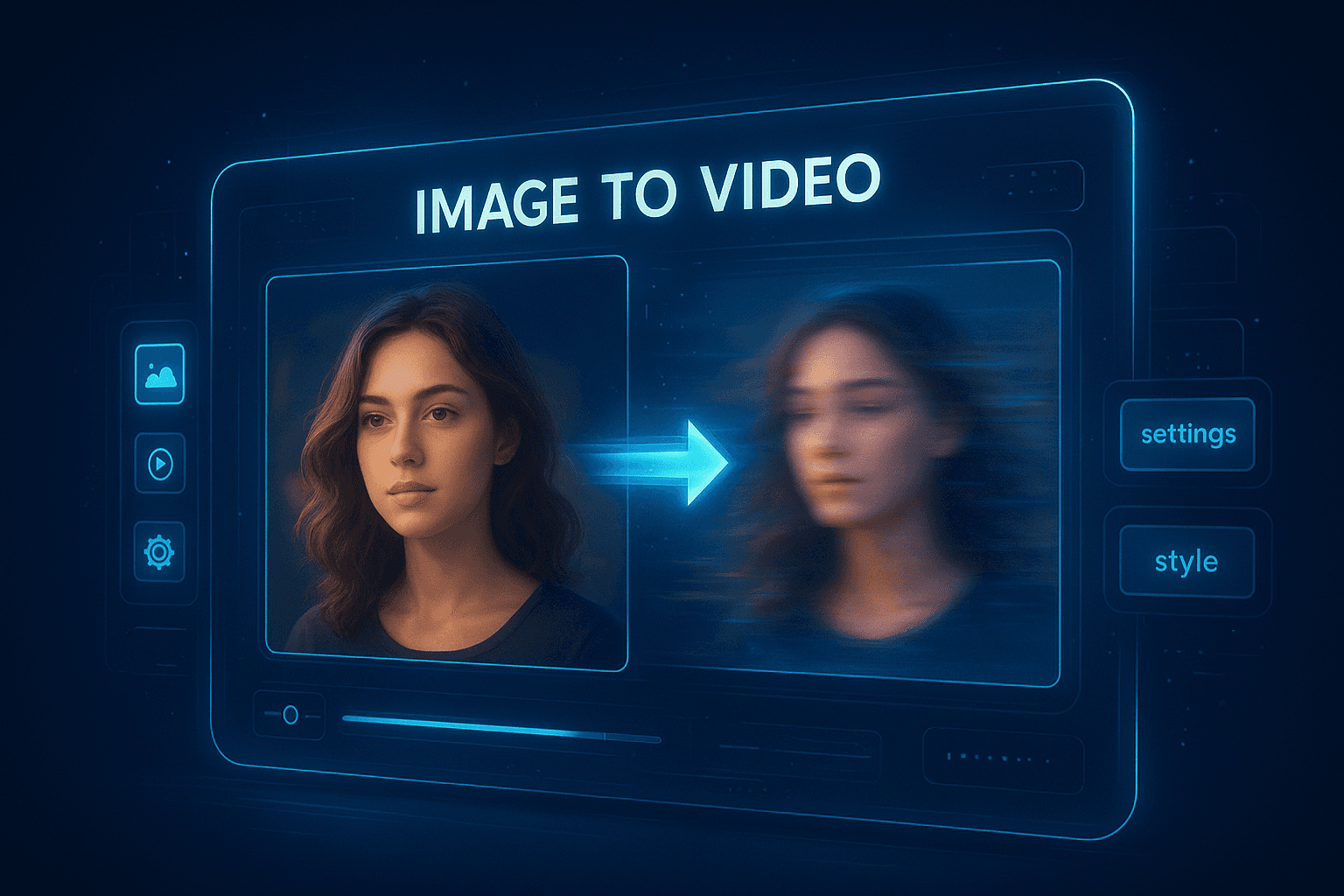
Creating high-quality videos used to require complex editing software, advanced skills, and hours of manual work. But thanks to the rise of AI-powered visual creation tools, anyone can now turn simple images into cinematic videos in just a few clicks. Whether you’re a content creator, marketer, or simply someone who wants to bring your photos to life, AI image-to-video tools like Picyou.ai make the process faster, easier, and more visually impressive than ever.
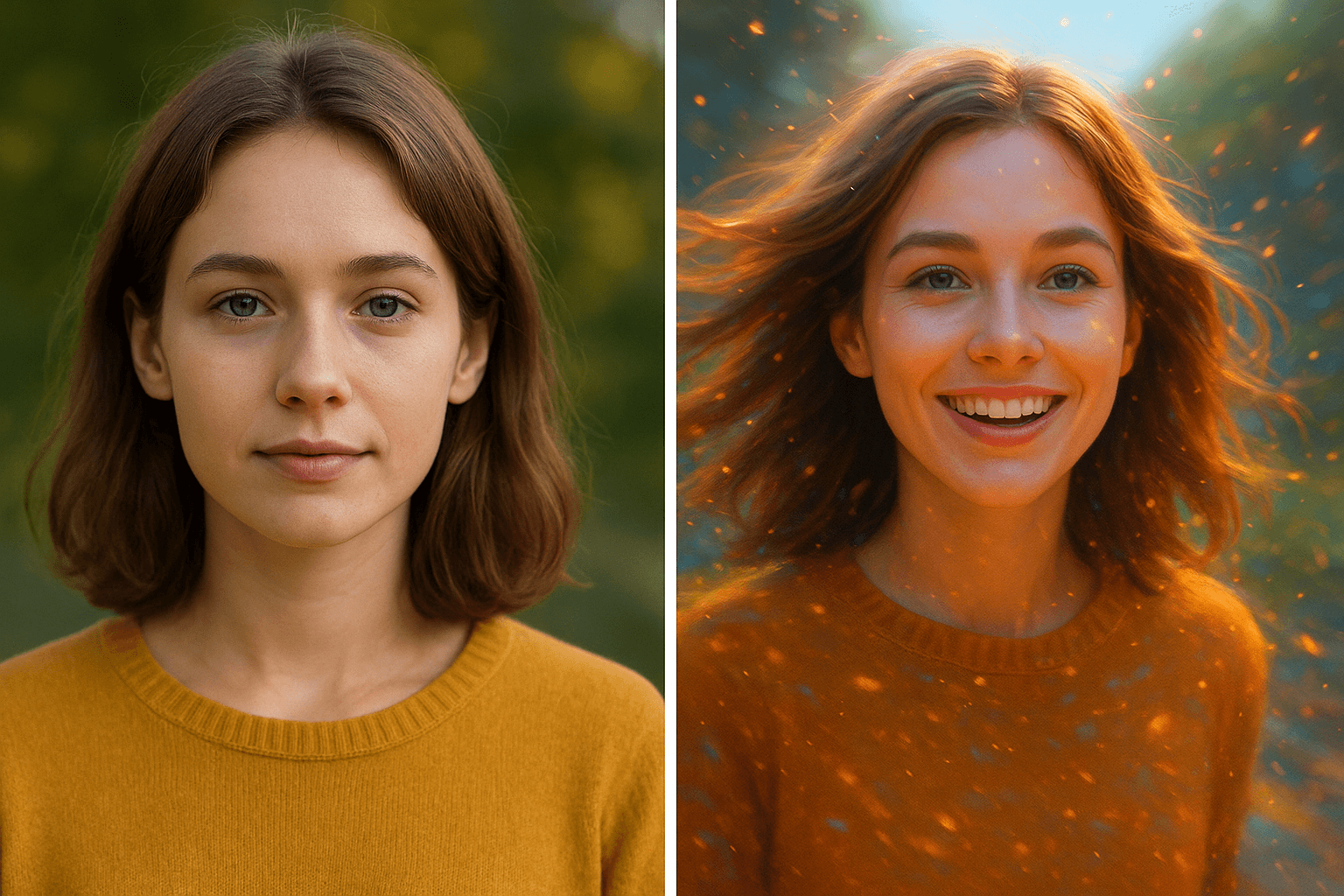
In this guide, you’ll learn exactly how to convert your photos into stunning videos using AI — even if you have zero editing experience. We’ll walk through the step-by-step process, share expert tips, and explain what makes AI so powerful for visual storytelling.
Why Create Videos from Images?
Turning images into videos isn’t just a trend — it’s one of the most effective ways to boost engagement and share stories online. Here’s why:
Videos get higher engagement
On platforms like TikTok, YouTube Shorts, and Instagram Reels, short-form videos consistently outperform static photos. Videos can deliver emotion, motion, and storytelling that still images simply can’t.
AI enhances quality instantly
Tools like Picyou.ai can enhance details, add motion, animate faces, adjust lighting, and turn low-quality images into professional-looking visuals.
You don’t need video clips anymore
Instead of filming footage, you can create dynamic scenes from just a few photos, making content creation faster and more cost-effective.
Perfect for marketing and branding
Brands use image-to-video AI to create:
Product showcase videos
Before-and-after transformations
Aesthetic slideshows
Social media ads
Story-driven promos
If you have photos, you can turn them into content — instantly.
Step 1: Prepare Your Photos for Best Results
Before starting the conversion, make sure the images you upload look clean and high-quality. AI performs best when the photo details are clear.
Tips for better results:
Use high-resolution images whenever possible
Avoid blurry, low-light, or overexposed photos
Choose images with a clear subject (person, product, scene)
If needed, enhance your image first using AI tools
Picyou.ai includes AI image enhancement features such as:
HD upscaling
Face refinement
Color correction
Background cleanup
These tools automatically improve your photo quality before turning it into a video, giving you a stronger final result.
Step 2: Upload Your Images to Picyou.ai
Head to Picyou.ai and upload the photos you want to convert.
The platform supports:
Portrait photos
Product images
Travel photos
Studio shots
Lifestyle pictures
AI-generated images
Once uploaded, the system analyzes your photo and prepares it for animation or video generation.
Uploading is instant, and you don’t need any editing experience — the AI handles all technical work.
Step 3: Choose Your Preferred Image-to-Video Style
This is where the real magic happens.
Picyou.ai provides a wide range of AI video styles, including:
1. Cinematic Motion
Add camera movements such as:
Zoom-in
Pan
Dolly shot
Slow motion
This creates a professional cinematic feel that mimics real videography.
2. Face Animation
Make your portrait come alive using:
AI facial expressions
Eye and head movement
Lip-sync animation
Natural breathing motions
Perfect for creating talking-head content, character videos, or dynamic profile clips.
3. Scene Expansion
Turn a single image into an extended moving scene using AI:
Expands background
Adds environmental motion
Creates depth
Great for travel, landscapes, and aesthetic shots.
4. Dynamic Slideshows
Combine multiple photos into a seamless video with transitions, music, and motion effects.
5. AI Artistic Video Styles
Transform your photo into:
Anime-style motion scenes
Stylized cinematic looks
Dreamlike camera effects
Color-graded film aesthetics
Choose the style that best fits your content — whether professional, artistic, dramatic, or playful.
Step 4: Customize Your Video (Optional)
If you want a highly personalized output, Picyou.ai allows additional customization.
You can adjust:
Video duration
Motion intensity
Transitions
Background music
Aspect ratio (1:1, 9:16, 16:9, 4:5, etc.)
Filters and color styles
Speed and pacing
For social media creators:
Use 9:16 for TikTok / Reels
Use 16:9 for YouTube
Use 1:1 or 4:5 for Instagram feed posts
For product and brand videos:
Add text overlays
Apply branding filters
Upload your own music
This flexibility helps you create videos tailored to your audience and platform.
Step 5: Generate Your Video with One Click
Once your settings are ready, simply click Generate.
Picyou.ai will:
Analyze your images
Add motion
Enhance quality
Apply your selected style
Render a smooth, high-quality video
Most videos take only a few seconds to generate, depending on the style.
AI removes the complexity of traditional editing — no timeline, no layers, no manual adjustments. You get a polished video instantly.
Step 6: Download and Share
Your final video can be downloaded in HD and shared directly to any platform, including:
TikTok
Instagram Reels
YouTube Shorts
Facebook
X (Twitter)
WhatsApp
Personal websites
E-commerce stores
Whether you're creating promotional content, personal clips, or social media visuals, you’ll have a video that looks professionally edited — without ever touching complicated software.
Pro Tips to Make Your Image-to-Video Results Even Better
To elevate your video quality, use these expert strategies:
Choose vibrant, well-composed images
Bright, colorful photos translate best into stunning videos.
Add subtle camera motion instead of extreme effects
Natural movement feels more cinematic.
Use AI enhancement first
Sharpening or upscaling your image improves motion realism.
Combine multiple photos for stronger storytelling
Even a short 10-second slideshow can feel powerful.
Stick to one consistent style for brand videos
Helps maintain a professional, cohesive look.
Why Use Picyou.ai for Image-to-Video Conversion?
Picyou.ai was designed specifically for next-generation visual content creation. Unlike traditional editors, it focuses on simplicity, speed, and AI automation.
Key benefits:
Ultra-simple interface
Even beginners can create cinematic videos in minutes.
AI-powered enhancements
Automatically improves clarity, lighting, and facial details.
High-quality video motion
Looks realistic and professional — not like basic slideshow tools.
Fast rendering time
Get results in seconds, not minutes.
No editing skills required
AI handles everything automatically.
Wide range of styles
From cinematic to artistic to face animation.
Perfect for personal and commercial use
Creators, marketers, influencers, ecommerce stores, and photographers all benefit.
Final Thoughts
Turning photos into beautiful videos used to be time-consuming and complicated. But with AI tools like Picyou.ai, the process has become effortless — allowing anyone to transform their images into dynamic, eye-catching visuals in just a few steps.
Whether you're creating social media content, promotional videos, or simply adding life to your personal photos, AI image-to-video generation opens a world of creative possibilities.
Start experimenting with your images today — you might be surprised at how stunning your videos can be.
People Also Read

How to Turn Text into Realistic Images
How to Turn Text into Realistic Images
Learn More
How to Edit Images and Create Professional Videos with Simple Tools
Creating polished images and professional-looking videos no longer requires expensive
Learn More
How to Use AI to Transform Static Images into Dynamic Videos
Turning a single photo into a dynamic video used to require professional editing skills
Learn More